

In This Article
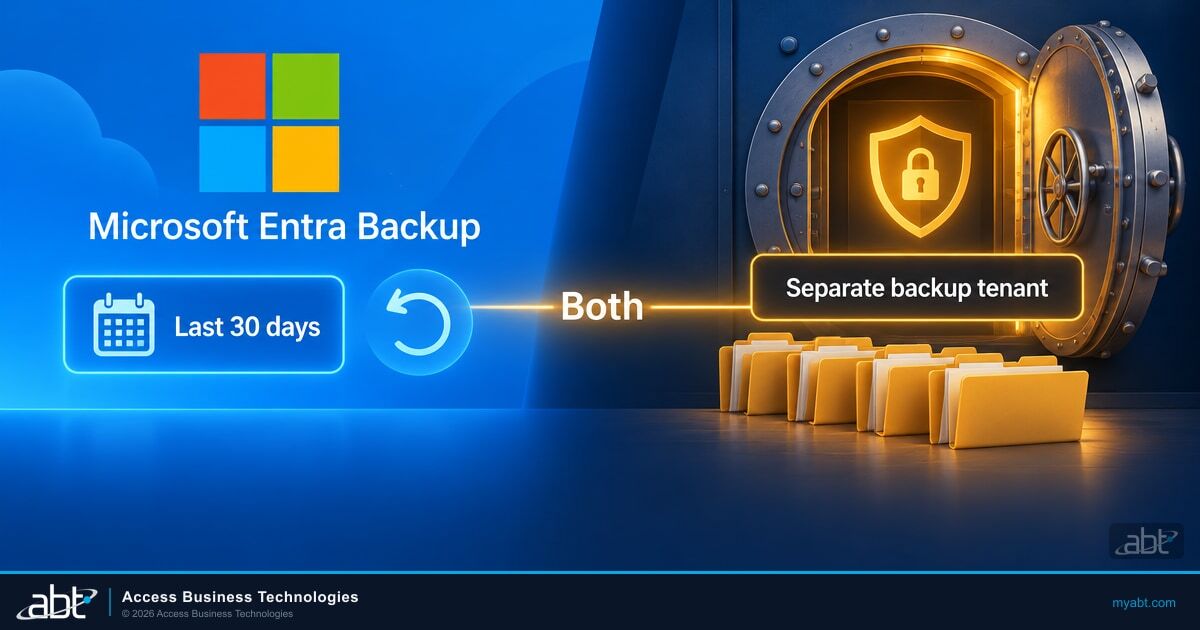
Microsoft Entra Backup and Recovery backs up your Conditional Access policies, named locations, authentication method policy, users, groups and applications every day, and Microsoft keeps those backups within the Microsoft 365 data trust boundary. The Standard plan comes with Microsoft Entra ID P1 or P2 and keeps 7 days. The Premium plan, now in public preview, keeps 30 days at $0.025 per protected object per month. Administrators can't modify or delete those backups, and recovery happens in the same tenant. A separate backup tenant answers a different question: what you restore from when the problem is older than 30 days, or when the tenant itself is the thing under attack.
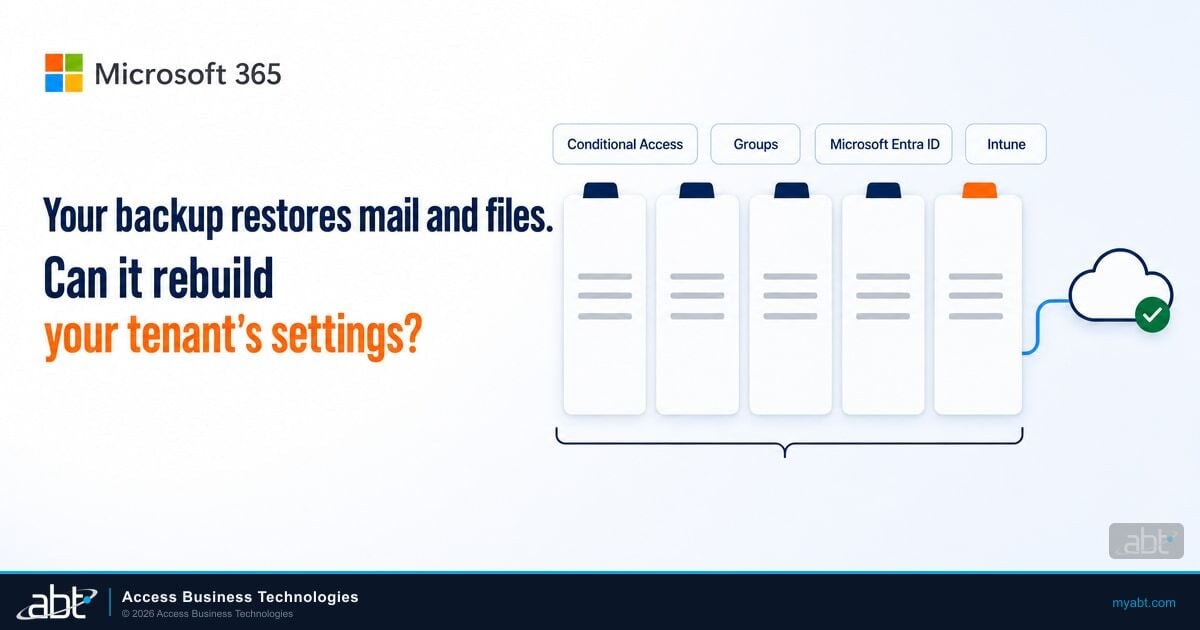
For years the honest answer to "can we back up our Conditional Access policies?" was "export them yourself." Your data had backup products. Your settings had a spreadsheet, a script somebody wrote, or nothing. That changed this month, and it is worth understanding exactly what changed before deciding what your institution still needs.
ABT manages Microsoft 365 tenants for more than 750 credit unions, banks, and mortgage companies, and we run M365 Guardian Vault, a backup that lives in a separate tenant. So we have a view on this question, and we will state it plainly: Microsoft's new feature is good, every institution with Entra ID P1 or P2 should confirm it is running, and it does a different job from a copy kept outside the tenant.
What Microsoft Entra Backup and Recovery is
Microsoft offers Microsoft Entra Backup and Recovery Premium in public preview through Microsoft 365 Backup. One policy protects every supported directory object in the tenant. The covered objects are the ones security teams have wanted for a long time, including users, groups, applications, service principals, Conditional Access policies, authentication strength policies, named locations, the authentication method policy, and selected authorization policy properties. Agent identities are covered through the user, application and service principal objects that make them up. Microsoft's Entra Backup and Recovery overview has the full list.
Premium takes a backup every day and keeps up to 30 days. The history builds up one day at a time, so a tenant that turns Premium on today has one day of history tomorrow, and the full 30 days a month from now. The recovery window can't be changed. The Standard plan, included with Microsoft Entra ID P1 or P2, keeps up to seven days.
Recovery starts in Microsoft 365 Backup and opens Backup and recovery in the Microsoft Entra admin center. Before anything is restored, you review a difference report that compares a retained backup with the tenant as it stands now, then pick the deleted or modified objects and attributes to bring back. Microsoft estimates that recovering 500,000 changes can take up to 30 hours, excluding data-loading time, so treat it as a planning figure. Restores carry no charge.
Pricing is per object. Microsoft's pricing page sets Premium at $0.025 per protected Microsoft Entra object per month and gives the arithmetic: 100,000 protected objects held steady for a month comes to about $2,500. Count every user, group, application and service principal in your tenant to size it: 2,000 protected objects comes to $50 a month.
- Shortening the Microsoft 365 Backup offboarding grace period now needs approval from two people.
- SharePoint and OneDrive recovery windows in Microsoft 365 Backup extend to as long as 10 years.
- Microsoft's What's new page for Microsoft 365 Backup lists pricing and recovery details for Microsoft Entra Backup and Recovery Premium, in public preview with up to 30 days of daily directory backups.
- Your next stepConfirm Standard backups are running in your tenant, then decide where your long-term copy of tenant settings lives.
What Microsoft Entra Backup and Recovery does well
Start with the strongest design decision, because it answers the first objection anyone raises about an in-tenant backup.
Microsoft's own wording
"Tenant administrators can't modify or delete Microsoft Entra backups. This differs from the OneDrive, SharePoint, and Exchange Online item-deletion procedures."
That matters. An attacker who takes over a Global Administrator account can change your Conditional Access policies, and under Microsoft's design that same attacker can't reach back and erase the backups of them. Turning Premium off stops new backups, and the retained ones stay until each ages out on its rolling 30-day window.
The second strength is the difference report. Most configuration damage in a tenant is quiet: an exclusion added to a policy, a named location widened, a sign-in method switched back on. A report that lines up last Tuesday's policy against today's, object by object, is the fastest way to see what moved. If you have read our piece on the Conditional Access exclusion list nobody reviews, you already know how often that list drifts without anyone deciding it should.
The third strength is cost and effort. Standard is already in your license if you hold Entra ID P1 or P2. Premium is a switch, priced per object, with free restores. For an undo button on last week's mistake, it is hard to beat.
Where an in-tenant backup stops
The same design that makes Microsoft's backup easy to run sets three boundaries, and Microsoft documents each one.
The window is 30 days. A change that nobody notices for 31 days is in every retained backup. Intrusions in Microsoft 365 are often found weeks after the first change, by an examiner, an auditor, or a customer complaint. When the clean version of a policy is older than the window, the backup holds only copies of the damaged one.
Recovery runs inside the tenant. You restore from the Microsoft Entra admin center of the tenant you are restoring. Microsoft states that Global Administrators and Microsoft Entra Backup Administrators manage Entra backup. A recovery plan that depends on this feature also depends on somebody at your institution still holding one of those roles, signing in with a method the attacker didn't change, on the day you need it.
Some losses are out of scope. Microsoft is direct: "Hard-deleted Entra objects can't be recovered by this approach." The supported list covers the directory and its sign-in rules. Intune device compliance and configuration policies, Exchange Online settings and Defender policies sit outside it.
- Someone weakens a Conditional Access policy, for example by adding one exclusion.
- The change looks routine, and nobody notices it for weeks.
- Microsoft Entra Backup and Recovery keeps daily backups inside the tenant: up to 30 days on Premium, up to seven on Standard.
- Once the change is older than 30 days, every retained backup contains it, and the clean version is gone from the window.
- A dated copy kept in a separate backup tenant, under a locked retention policy measured in years, still holds the policy as it was before the change.
None of this is a flaw in Microsoft's feature. It is the job the feature was built for: a fast, cheap, protected undo for recent changes, run by the people who run the tenant. The question for a regulated institution is what covers the cases outside that job.
The examiner's version of the question
Examiners ask where the backup sits relative to the system it protects. Microsoft's answer for its own backup is that the data "never leaves the Microsoft 365 data trust boundary," per the Microsoft 365 Backup overview. That is a strength for data residency and a limit for separation. Your written answer should name both copies and say which risk each one covers.
The two approaches side by side
A separate backup tenant is a second Microsoft tenant, in your institution's name, that holds copies of your production tenant and nothing else. M365 Guardian Vault is ABT's version. Every day it copies your Conditional Access policies, groups and their members, and your Entra ID and Intune policies into locked Azure storage, where each day is kept as its own dated version. The vault tenant holds no user accounts, and it signs in through an Azure managed identity with no stored password or secret.
| Question | Microsoft Entra Backup and Recovery | Separate backup tenant (M365 Guardian Vault) |
|---|---|---|
| Where the copy lives | Within the Microsoft 365 data trust boundary; restored through your own tenant | A separate tenant in your institution's name |
| How long it keeps settings | 7 days on Standard, 30 days on Premium | Locked for 5 years on Standard, 7 on Premium |
| Who can delete it | No tenant administrator | No one, ABT included, before the lock expires, while the Azure subscription that holds it stays active |
| Where you restore from | The Microsoft Entra admin center of the same tenant | The daily copy runs in production today; ABT is testing the settings rebuild into your tenant or a new one with customers now |
| Intune policies | Outside the supported list | Copied daily |
| Mail and files | Microsoft 365 Backup, priced separately | Email on Standard; OneDrive, SharePoint and Teams files added on Premium |
| Cost model | $0.025 per protected object per month on Premium | $8 per protected mailbox per month on Standard, $10 on Premium, plus Azure storage at Microsoft's price |
Sources: Microsoft Learn, What's new in Microsoft 365 Backup, retrieved November 24, 2026; M365 Guardian Vault.
The rebuild row deserves a plain note. Copying settings every day is running in production today. ABT is building and testing the settings rebuild with customers now, and the quarterly tenant rebuild drill, an add-on, rebuilds your settings into a clean test tenant so your institution has proof it works on your own configuration. We wrote about why the backup tenant model matters in why your Microsoft 365 backup belongs in a tenant you own.

Whichever copy you lean on, the restore still needs a person with the right role and a working sign-in. That is where most recovery plans we review have a gap.
Read Microsoft's documentation for Entra backup with one dependency in mind: the role. Microsoft states that Global Administrators and Microsoft Entra Backup Administrators can manage Entra backup, and that the Microsoft 365 Backup Administrator role on its own does not grant Entra management. Institutions that already split backup administration from global administration should add the Microsoft Entra Backup Administrator role to that plan on purpose, assign it to named people, and protect it like any other privileged role.
Then review the restore path while nothing is wrong. Run a difference report against last week's backup and keep it as a dated point-in-time review. It shows an examiner the feature is on, shows your team where the screen is, and gives your team a starting point. Have the control owner reconcile each difference to an approved change and record which backup is suitable for recovery. A tested recovery is a separate record: delete a test group, restore it from the backup, and write down the result and how long it took.
What a financial institution should do now
Use both, for different jobs. Turn on what Microsoft gives you, because it is the fastest way back from a recent mistake. Keep a copy outside the tenant for the cases Microsoft's window and boundary don't reach.
The rule to carry out of this article
Microsoft Entra Backup and Recovery is your undo button for recent changes: up to 30 days on Premium, up to seven on Standard. A separate backup tenant is your record of how the tenant was built, kept for years, in a place the people who run the tenant can't reach.
Start inside the tenant. If you hold Entra ID P1 or P2, open Backup and recovery in the Microsoft Entra admin center and confirm Standard backups are appearing. Decide on Premium with your object count in hand: multiply by $0.025 to get the monthly figure. Assign the Microsoft Entra Backup Administrator role to named people.
Then answer the separation question in writing. Your business continuity plan should say where a copy of your tenant settings lives outside the tenant, how long it is kept, and who can change it. For mail and files the same question applies, and our guide to Microsoft 365 backup for financial institutions walks through what Microsoft 365 Backup covers for that data. When you test the plan, put the settings restore into your tabletop exercise alongside the data restore.

The checklist below turns both jobs into records an examiner can read. Each item names who owns it and what to keep on file.
- Confirm Microsoft Entra Backup and Recovery Standard backups are running.
- Decide on Premium using your protected object count.
- Assign the Microsoft Entra Backup Administrator role to named people.
- Run a point-in-time difference report each quarter, reconcile every difference to an approved change, and restore one test object to record a tested recovery.
- Keep a copy of tenant settings outside the tenant, for longer than 30 days.
- Test a settings rebuild into a clean test tenant.
Settings are only half of recovery, and they are the half most plans leave blank. Microsoft has now filled in the first 30 days. The years after that are still yours to cover.
See what your tenant could restore today
ABT manages Microsoft 365 tenants and hosts Azure environments for more than 750 credit unions, banks, and mortgage companies. We will review which of your settings Microsoft's backup covers, which it leaves out, and what a separate backup tenant would hold for your institution.
Frequently Asked Questions
It is Microsoft's backup for directory objects in Microsoft Entra ID, run through Microsoft 365 Backup. It takes a daily backup of directory objects including users, groups, applications, service principals, Conditional Access policies, authentication strength policies, named locations, the authentication method policy and selected authorization policy properties, and lets you restore deleted or modified objects from the Microsoft Entra admin center after reviewing a difference report.
Yes. Conditional Access policies, authentication strength policies and named locations are among the covered objects, along with the authentication method policy. Backups are taken daily and kept for up to seven days on the Standard plan or up to 30 days on the Premium plan, and a restore puts the policy back in the same tenant.
The Standard plan, included with Microsoft Entra ID P1 or P2, keeps up to seven days. The Premium plan, in public preview, keeps up to 30 days. History builds up one daily backup at a time, and Microsoft states the recovery window can't be changed.
Microsoft states that tenant administrators can't modify or delete Microsoft Entra backups. Turning Premium off stops new backups, and each retained backup stays until it expires on its rolling 30-day window. Hard-deleted Entra objects can't be recovered through this feature.
Microsoft prices Premium at $0.025 per protected Microsoft Entra object per month, and restores are free. Microsoft's own example puts 100,000 protected objects at about $2,500 a month. The Standard plan carries no extra charge for tenants with Microsoft Entra ID P1 or P2.
They cover different risks. Microsoft's backup is a fast undo for changes in the last 30 days, restored from inside the same tenant. A separate backup tenant keeps dated copies outside the production tenant for years, covers Intune policies, and gives you something to rebuild from when the problem is older than the window or the tenant itself is compromised. A regulated institution is best served by both.