In This Article
- Why Remote Mortgage Teams Face Elevated Risk
- Encryption: The Foundation of Document Protection
- MFA: The Control That Blocks 99.9% of Account Attacks
- Cloud Storage: Secure Access From Anywhere
- Training: Your Team Is Your First Line of Defense
- Partnering With a Managed Service Provider
- Frequently Asked Questions
The FBI reported more than 859,000 internet crime complaints in 2024, with reported losses reaching a record $16.6 billion. Financial services remains the most targeted industry for phishing, accounting for roughly 27.7% of attempts in recent threat-intelligence reporting. Mortgage teams working remotely handle the exact documents attackers want: Social Security numbers, bank statements, tax returns, and wire instructions.
Remote work is not going away. The security practices protecting those documents need to match the reality of distributed teams. That is exactly what Document Guardian was built for: enforcing document security policies across every endpoint, whether your team works from headquarters or from home.
This guide walks through the controls that actually protect borrower documents for a distributed mortgage operation, where the gaps usually hide, and how ABT verifies that each control is enforced rather than simply switched on. The same continuous-monitoring discipline runs through our companion guide on how Guardian Security Insights strengthens cybersecurity compliance in the mortgage industry.
Why Remote Mortgage Teams Face Elevated Risk
In the office, your network firewall, physical access controls, and managed devices create layers of protection. At home, those layers disappear. Loan officers work from kitchen tables. Processors connect through consumer-grade Wi-Fi. Underwriters share documents over personal email because the VPN is slow.
Three factors make remote mortgage teams particularly vulnerable:
- Expanded endpoints. Every home office is a new entry point. Personal devices, shared family computers, and unmanaged tablets all touch sensitive data. Without endpoint management through tools like Microsoft Intune, each device is a blind spot.
- Phishing targeting wire transfers. Business email compromise schemes designed to redirect wire instructions are the single most financially damaging attack in mortgage lending. Remote workers lack the ability to walk down the hall and verify a suspicious request face to face. We break down exactly how that attack unfolds in our anatomy of a modern cyber heist.
- Shadow IT. When corporate tools are inconvenient, employees find workarounds. Personal Dropbox accounts. WhatsApp messages containing loan numbers. Gmail attachments with tax returns. Each workaround creates an unmonitored data path.
Why This Matters for Financial Institutions
A single redirected wire or a single tax return sitting in a personal inbox can trigger a reportable incident, a regulatory finding, and a borrower lawsuit at the same time. Remote work does not lower the standard examiners hold you to. It widens the surface you have to defend, which is why the controls below have to follow your team home rather than stop at the office door.
Encryption: The Foundation of Document Protection
Encryption transforms sensitive files into unreadable data for anyone without the correct key. It works in two modes, and mortgage companies need both.
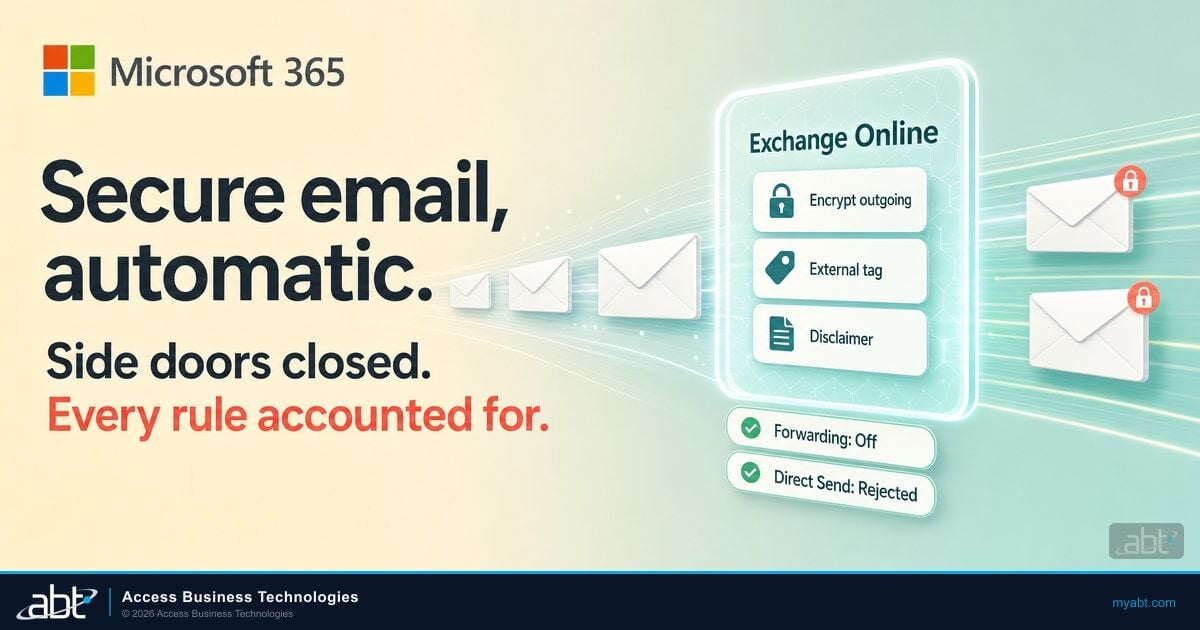
In-transit encryption. Documents moving between your loan officers and your LOS, between your processors and title companies, or between any two points on the internet need TLS 1.2 or higher. This prevents interception during transmission.
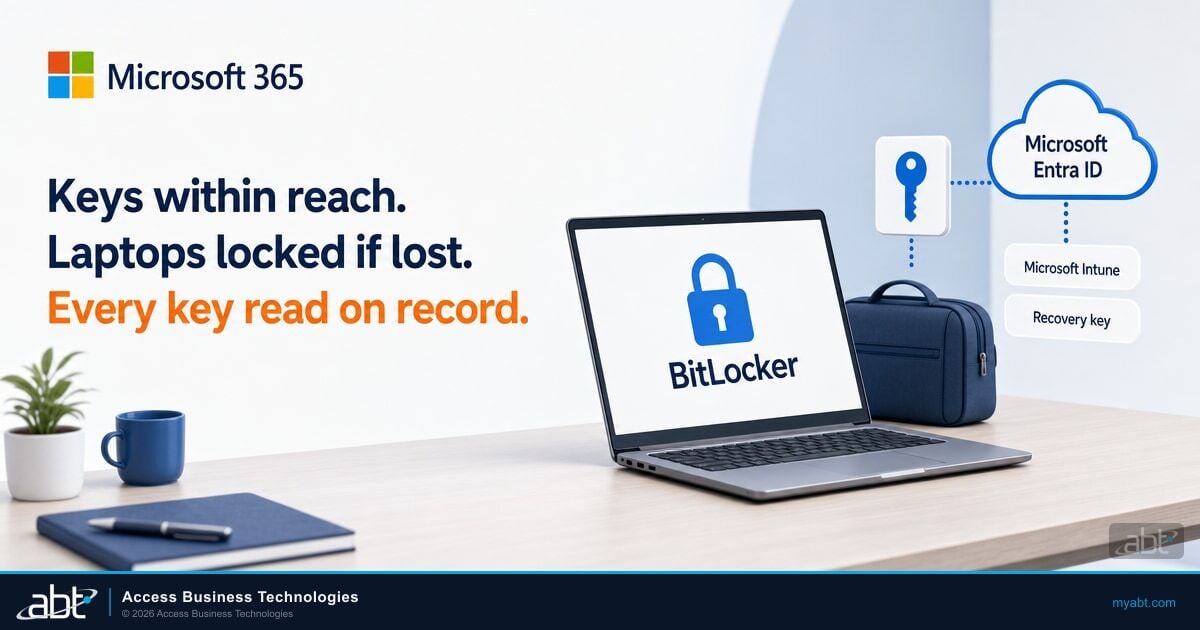
At-rest encryption. Documents stored in SharePoint, OneDrive, or any cloud repository must be encrypted where they sit. If a device is lost or a storage account is breached, encrypted files remain unreadable.
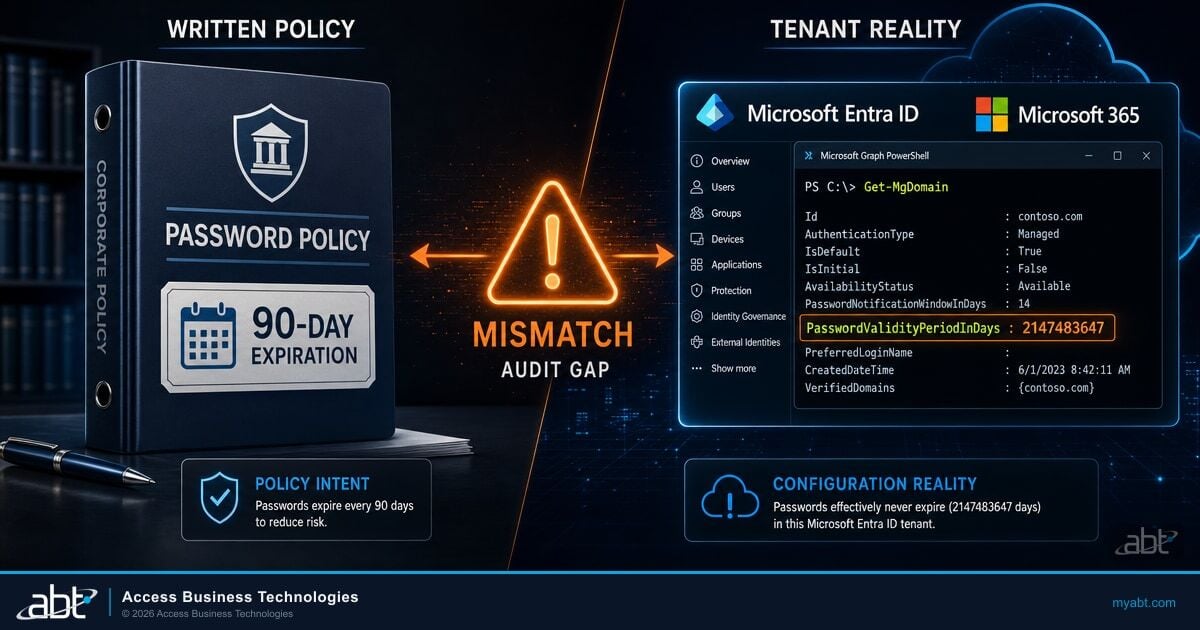
Microsoft 365 Business Premium includes both. SharePoint and OneDrive encrypt data at rest by default. Email travels over TLS. The gap is not the technology. The gap is configuration. Document Guardian closes that gap by verifying that encryption policies are properly enforced across every user and every device, not just enabled in the admin console.
ABT's Guardian hardening process verifies encryption configuration as part of the 90-day tenant hardening sprint. No assumptions. Verified enforcement. Many of the controls examiners expect to see are already paid for inside your existing licensing, a point we cover in the Microsoft 365 E5 security features banks pay for but do not use.
MFA: The Control That Blocks 99.9% of Account Attacks
Microsoft reports that multi-factor authentication makes accounts 99.9% less likely to be compromised. For remote mortgage teams, MFA is not optional. It is the single most effective control you can deploy.
But "MFA enabled" is not the same as "MFA working." This distinction matters:
- An employee has MFA policy applied but never downloaded the authenticator app. Their account is unprotected.
- A service account is excluded from Conditional Access policies because it uses legacy authentication. That account becomes an attack vector.
- A contractor was given temporary MFA exemption six months ago. The exemption was never removed.
MFA enabled is a checkbox. MFA enforced for every account, every device, with no stale exemptions, is a control. Only one of those survives an audit or stops an attacker.
Guardian Security Insights identifies these gaps every night. It flags users who appear protected but have not completed MFA registration. It detects Conditional Access exclusions that expose accounts. This is the layer Microsoft's native reporting misses. The specific policies that close these holes are spelled out in the Conditional Access rules every financial institution needs.
Cloud Storage: Secure Access From Anywhere
Mortgage documents belong in managed cloud storage, not on laptop hard drives, USB sticks, or personal cloud accounts. Microsoft SharePoint and OneDrive provide:
- Centralized access control. Role-based permissions ensure loan officers see their pipeline. Processors see their files. Nobody accesses what they do not need.
- Audit trails. Every document access, edit, and share is logged. When a regulator asks who accessed a borrower's file and when, you have the answer.
- Version history. Accidental changes or deletions can be reversed. No document is permanently lost.
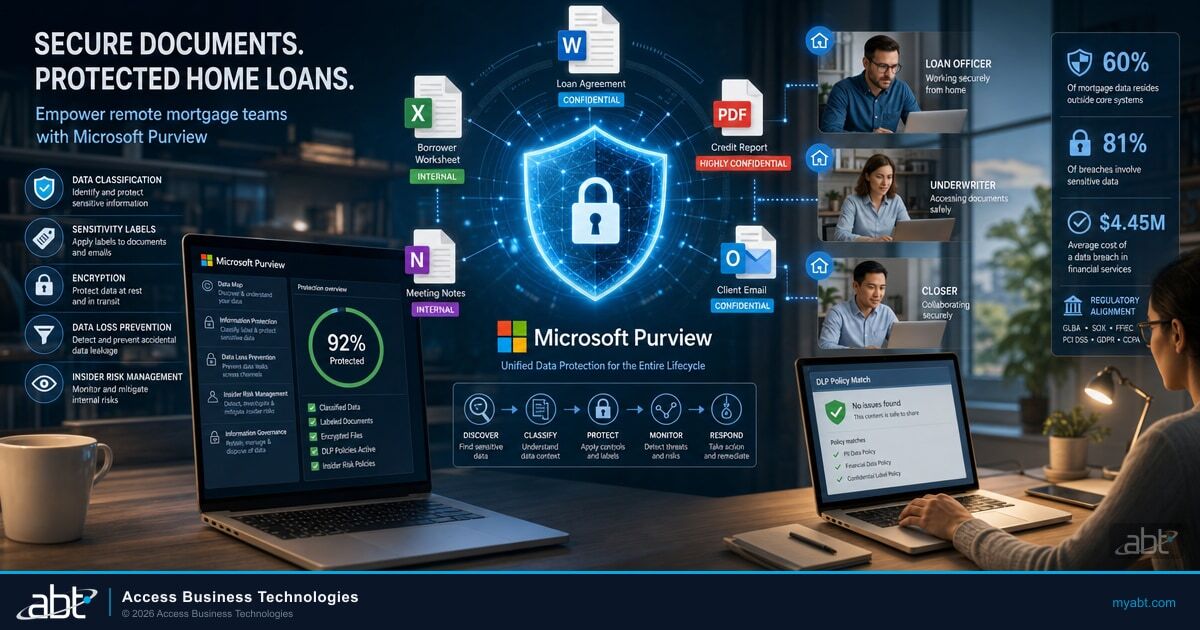
- External sharing controls. Data Loss Prevention policies through Microsoft Purview restrict who can share documents externally and what types of data can leave your environment.

The FTC Safeguards Rule requires mortgage companies to know where customer information is stored and who has access. Document Guardian works alongside these cloud storage controls by monitoring document access patterns and flagging policy violations, giving compliance teams the evidence they need for audits and examinations. If you have not yet baselined those controls, our Microsoft 365 security audit checklist is the place to start.
Training: Your Team Is Your First Line of Defense
Radian Group reported that 32% of untrained employees fall for phishing simulations. Training reduces that number substantially. But training only works when it is specific to mortgage workflows.
Generic cybersecurity training covers password hygiene and suspicious links. Mortgage-specific training covers:
- Wire fraud verification. Always confirm wire instructions by phone using a number from your original documentation. Never use a number from the email requesting the change.
- Secure document upload. Use your lender's secure portal for tax returns, pay stubs, and bank statements. Never send these via regular email.
- Public Wi-Fi risks. Never access loan files, borrower data, or financial accounts on public Wi-Fi. Use your cellular connection or a VPN.
- Personal device boundaries. If your company does not manage the device, borrower data should not touch it.

ABT provides security awareness resources as part of the Guardian operating model. Training is not a one-time event. It runs alongside continuous monitoring and the anti-phishing controls described in our guide to the Microsoft Defender for Office 365 configuration examiners expect, reinforcing the behaviors your security policies depend on.
Partnering With a Managed Service Provider
Remote mortgage teams create a security surface that internal IT teams struggle to cover alone. A cloud-first MSP extends your capabilities without expanding your headcount.
ABT serves 750+ financial institutions as a Tier-1 Microsoft CSP. That means direct Microsoft licensing, Premier Support access, and a technology stack that runs entirely on Microsoft. ABT manages your Microsoft 365 tenant through delegated administration and hosts the Azure environment behind your lending applications, so there are no third-party MSP platforms and no additional attack surface from ConnectWise, Kaseya, or SolarWinds.
What this looks like in practice:
- Continuous monitoring. Guardian Security Insights pulls data from your tenant nightly. Stale accounts, MFA gaps, unmanaged devices, and Data Loss Prevention violations surface automatically.
- Incident response. When something goes wrong, ABT's team responds directly within your Microsoft environment. No hand-offs between vendors.
- Compliance documentation. Every nightly scan creates timestamped evidence. Auditors see 365 days of documented security posture, not a snapshot from last Tuesday.
The same governance discipline applies once AI enters the picture. Before any assistant or agent touches borrower files, the configurations in our Microsoft Purview Data Loss Prevention for AI guide need to be in place. And if your team operates under California's information security statute, our walkthrough on whether your mortgage company can meet California's information security requirements maps the obligations to Microsoft 365 controls.
The bottom line
Remote mortgage work is permanent, and financial services remains the most targeted industry for phishing. The controls that protect borrower documents already live inside Microsoft 365: encryption in SharePoint and OneDrive, multi-factor authentication through Microsoft Entra ID Conditional Access, device management through Microsoft Intune, and Data Loss Prevention through Microsoft Purview. The risk is not missing technology. It is unverified configuration, which is exactly what Document Guardian and Guardian Security Insights are built to catch every night.
Protect your remote team's documents with a partner who verifies enforcement, not just settings
When you talk to ABT about your remote document security, you get:
- A Microsoft 365 encryption and Conditional Access review across every user and device
- An MFA gap report that flags accounts protected on paper but not in practice
- A Microsoft Purview Data Loss Prevention and external-sharing audit for borrower data
- Nightly Guardian Security Insights monitoring with timestamped compliance evidence
Frequently Asked Questions
Remote mortgage teams face three primary document security risks: unmanaged personal devices accessing sensitive borrower data without endpoint protection, business email compromise schemes targeting wire transfer instructions, and shadow IT where employees use personal cloud storage or messaging apps to share loan documents outside corporate security controls. Each risk creates an unmonitored data path that bypasses your security policies.
The FTC Safeguards Rule applies to all customer information handling regardless of where employees work. Mortgage companies must implement MFA for any system accessing customer data, encrypt information at rest and in transit, maintain access controls limiting data exposure, and monitor for unauthorized access. Remote work does not create an exemption from any requirement. Companies must extend their security program to cover every endpoint and every location where employees access borrower information.
Microsoft 365 Business Premium includes encryption at rest and in transit, multi-factor authentication through Conditional Access policies, device management through Intune, Data Loss Prevention policies through Purview, and audit logging for all document access and sharing. These capabilities protect mortgage documents for remote teams when properly configured. ABT's Guardian hardening process verifies that each control is not only enabled but actively enforced across all users and devices.
Mortgage-specific security training should cover wire fraud verification procedures requiring phone confirmation of all wire instructions, secure document upload protocols using the lender's portal instead of email, public Wi-Fi avoidance when handling borrower data, personal device boundaries preventing sensitive data on unmanaged equipment, and phishing recognition with examples specific to mortgage workflows such as fake closing instructions and impersonated title company communications.
Microsoft 365 provides the security capabilities: encryption, multi-factor authentication, Conditional Access, Intune device management, and Microsoft Purview Data Loss Prevention. Document Guardian and Guardian Security Insights verify that those capabilities are actually enforced across every user and device rather than simply enabled in the admin console. They flag accounts with incomplete MFA registration, Conditional Access exclusions, unmanaged devices, and Data Loss Prevention violations every night, then produce timestamped evidence that gives compliance teams documentation for FTC Safeguards Rule audits and examinations.