In This Article
- Your tenant keeps two audit logs, on two different clocks
- What each license actually retains
- The Audit Premium gap: one year, but only for four workloads
- Nothing here is retroactive
- What the regulators require, and what they do not
- Four ways to extend the window
- What to do this quarter
- Frequently Asked Questions
Your incident responder asks the hard question first. This compromised account was authenticating from an unfamiliar location, so when did that actually start? Then, a few months later, an examiner asks the one that sounds simple. Show me every administrative change made to your Microsoft 365 tenant over the past twelve months.
Both questions are answered from the same place: your tenant's audit logs. And in a lot of banks, credit unions, and mortgage companies, both questions get the same answer back from the console, which is that the records are gone.
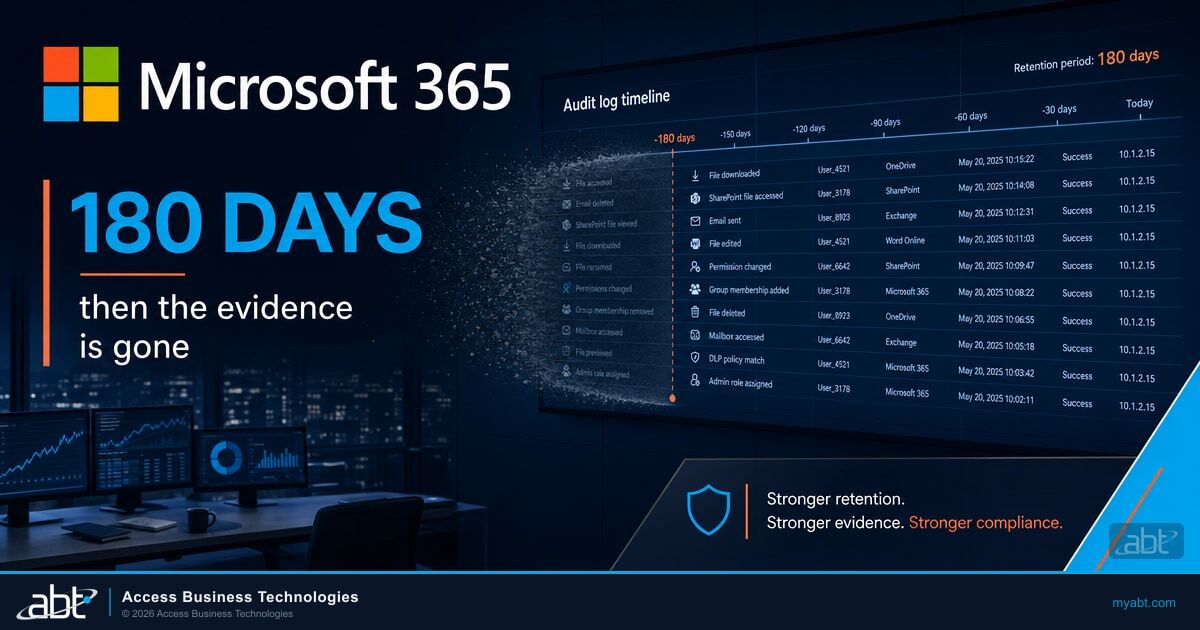
Not deleted by an attacker. Not lost to an outage. Expired, quietly, on a schedule nobody chose, because audit log retention in Microsoft 365 is set by license tier and by default policy, and the defaults were designed for a general commercial customer rather than for a regulated institution that has to prove what happened.
Read those two numbers next to each other, because that is the whole problem in one line. The average breach lifecycle outlives the default retention window. By the time the investigation is finished, the earliest evidence has already aged out.
Your tenant keeps two audit logs, on two different clocks
The single most common misconception we see at ABT when we take over a tenant is that Microsoft 365 has one audit log. It has at least two that matter, they are governed by different licenses, and they expire at very different speeds.
Microsoft states the separation plainly in its own documentation, and it is worth reading twice if your team has been assuming that an E5 purchase covered everything.
ABT manages Microsoft 365 tenants for more than 750 banks, credit unions, and mortgage companies, and this is the gap we find most often when we take one over. The institution holds a full year of mailbox and SharePoint activity and thirty days of sign-in history, and nobody knew the two were on separate clocks, because the license that bought the first one has no effect on the second. Microsoft says so directly in its own Entra documentation, and almost nobody reads that far. The identity trail, which is where intrusions usually begin, is the shortest record in the tenant.
That asymmetry matters more than it sounds. When a credential is phished, the useful forensic questions are all identity questions. Which sessions were established, from where, against which application, and when did the pattern first change? Those answers live in the sign-in log, and on Microsoft Entra ID P1 or P2 that log holds thirty days.
What each license actually retains
Here is the picture across both stores, drawn from Microsoft's current documentation rather than from the marketing tiers. The underlying references are Microsoft's auditing solutions overview and its Entra data retention reference.
| Log store | Tier | Default retention | Exam risk |
|---|---|---|---|
| Unified audit log | Purview Audit (Standard) | 180 days | High |
| Unified audit log | Purview Audit (Premium) | 1 year for Entra ID, Exchange, OneDrive and SharePoint. 180 days for everything else. | Medium |
| Unified audit log | Audit (Premium) plus the 10-Year Audit Log Retention add-on | Up to 10 years, per user, by policy | Low |
| Entra ID sign-in logs | Entra ID Free | 7 days | High |
| Entra ID sign-in logs | Entra ID P1 or P2 | 30 days | High |
| Entra ID directory audit logs | Entra ID P1 or P2 | 30 days | High |
| Entra ID risky sign-ins | Entra ID P2 | 90 days | Medium |
One clarification on the 180-day figure, because older internal runbooks still carry the wrong number. Microsoft raised the Audit (Standard) default from 90 days to 180. If your information security policy still commits to ninety days, it is describing a tenant behavior that no longer exists, and that mismatch is the kind of thing an independent reviewer notices before you do.

The Audit Premium gap: one year, but only for four workloads
This is the finding that surprises most information security officers, and it is the reason a tenant can pass a license review and still fail an evidence request.
Microsoft Purview Audit (Premium) does deliver a year of retention, and Microsoft's documentation is specific about how. That year comes from a default audit log retention policy keyed on the record's workload property, covering Entra ID, Exchange, OneDrive, and SharePoint records. Microsoft states that audit records for all other activities are retained for 180 days by default, or that you can use audit log retention policies to configure longer periods. The Premium behavior also depends on the users in question actually holding the appropriate Audit (Premium) licensing, which is worth confirming per user group rather than assuming across the whole tenant.
The workloads that fall outside the one-year default
Microsoft Teams. Power Platform. Microsoft Defender. Microsoft 365 Copilot. Records written to the unified audit log by other services generally land in the same bucket. Under Microsoft's stated default, activity outside those four workloads sits at 180 days unless somebody in your organization authored a custom audit log retention policy to extend it. Those policies are themselves an Audit (Premium) capability, so an institution on Audit (Standard) cannot write one at all.
For a financial institution in 2026, that list is not a footnote. Teams is where the vishing attempts land. Copilot is where prompts touch member and borrower data. Defender is where the detection history lives. Those are precisely the surfaces an examiner or an incident responder will ask about, and they are the surfaces on the shorter clock.
Microsoft's documentation describes a second carve-out worth knowing. Audit records generated by non-user entities, which Microsoft gives as service principal actions, system events, and application activities, are retained for a fixed period of one year, and Microsoft states that this period is not configurable and that custom audit log retention policies do not apply to those records. Service principal activity is exactly what gets abused in token theft and malicious OAuth consent, so the ceiling on that evidence is fixed no matter what you buy.
An institution can hold a license that promises a year of audit history and still discover that the workload it needs to investigate was never covered by that year.
Nothing here is retroactive
If you take one operational point from this article, take this one, because it is the difference between a fixable gap and a permanent one.
Microsoft states that the 10-year audit log retention policy is not retroactive and cannot retain audit logs generated before the policy was created. Separately, in the Entra documentation, Microsoft states that log retention changes are not retroactive, and that upgrading from Entra ID Free to P1 or P2 surfaces only data still inside the free retention window.
If
You discover in October that an account was compromised in March, and you buy the retention add-on that same week to preserve the evidence.
Then
The add-on preserves activity going forward from the moment the policy is written. March is already gone. Retention is a decision you make before the incident, not a control you can apply after one.
This is why retention belongs on the pre-incident checklist next to your Microsoft 365 incident response plan rather than on the response runbook. A response plan that assumes evidence exists is only as good as the retention policy written months earlier.
What the regulators require, and what they do not
Here we need to be precise, because a great deal of vendor content on this topic is not.
The FFIEC IT Examination Handbook addresses log management directly in the Information Security booklet. What it does is put the obligation on the institution to decide.
Management should have effective log retention policies that address the significance of maintaining logs for incident response and analysis needs. Policies should define retention periods for security and operational logs.
Read what that does and does not say. It does not name a number. There is no federally prescribed audit log retention period for Microsoft 365 in that section, and any article telling you that examiners require two years, or three, or four, is offering an interpretation rather than a citation. We looked for a primary source for those figures and could not find one.
What the handbook does instead is arguably harder to satisfy. It makes the retention period your policy decision, and then it expects the tenant to deliver on that decision. The same section lists ensuring adequate storage capacity to avoid gaps in data gathering among its log integrity considerations, and it notes that logging practices should be reviewed periodically by an independent party.
That last expectation is worth reading twice, because it is the one institutions most often have no answer for. An independent review of log management is not a document you write once. It is a check somebody has to run against the live tenant, on a schedule, and be able to show the results of.
Where institutions actually get caught
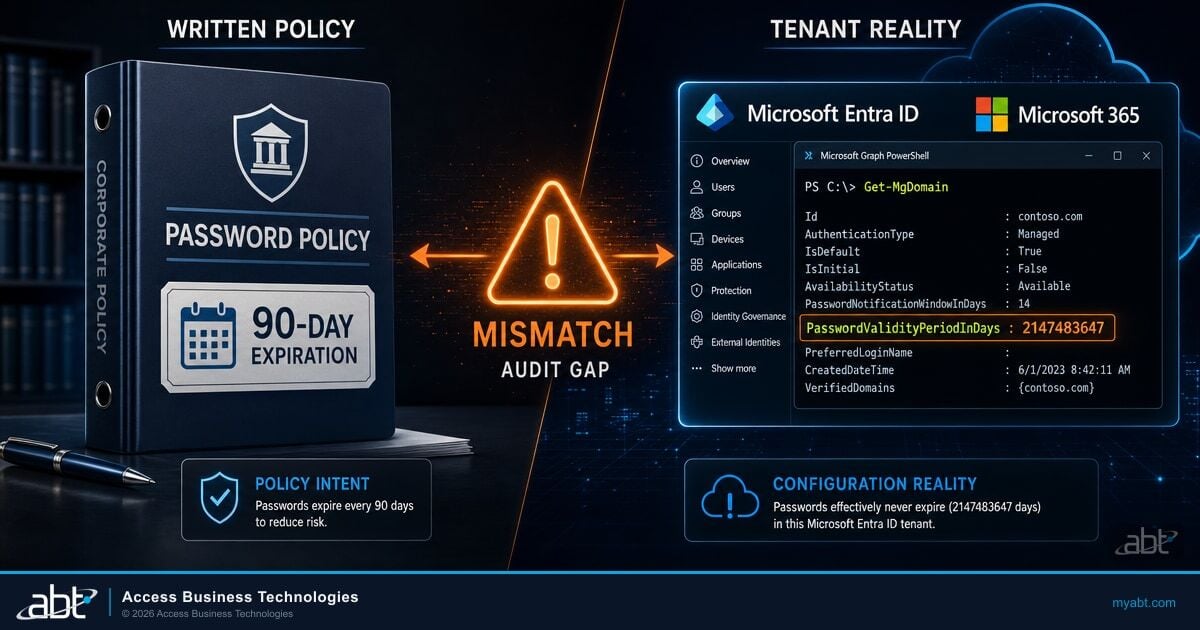
The finding is rarely that a policy is missing. The finding is that the written policy and the tenant configuration disagree. An information security policy commits to twelve months of activity logging. The tenant is running Audit (Standard) at 180 days and Entra ID P1 at 30 days. Nobody reconciled the two, and the gap surfaces when an independent reviewer or an examiner asks for evidence that the policy was met.
Recordkeeping obligations are a separate matter and should not be conflated with security telemetry. The Bank Secrecy Act recordkeeping rule at 31 CFR 1010.430(d) states that all records required to be retained by that chapter shall be retained for a period of five years. That governs BSA records themselves. It is not an audit log mandate, and treating it as one produces a control that satisfies no actual requirement. If your question is about business records and email archiving rather than activity telemetry, that is a different configuration in a different part of Purview, and we covered it in our guide to Microsoft 365 data retention for financial institutions.
Not sure what your tenant is actually retaining right now?
Most institutions have never compared their written log retention policy against what their licenses deliver. That comparison usually takes us under an hour once we have read access, and it is the fastest way to find out whether you can answer an examiner's twelve-month question.
Four ways to extend the window
Once you know the target retention period, there are four mechanisms, and they are not interchangeable. Cost, coverage, and how fast you can search the data all differ.

Custom audit log retention policies in Microsoft Purview. This is the first move for anyone already holding Audit (Premium). You can scope a policy by the service where the activity occurred, by specific activities, or by the user performing them, and you can set a priority so a specific policy overrides the default. This is how you pull Teams, Copilot, and Defender activity up from 180 days to match the rest of the tenant. It costs nothing beyond the license you already own, and most institutions we onboard have never created one.
The 10-Year Audit Log Retention add-on. A per-user add-on license assigned on top of Audit (Premium), paired with a retention policy targeting those users. It is the right tool for a small population, typically privileged administrators and anyone handling the most sensitive member or borrower data, rather than for the whole institution. Remember the two constraints: it is per user, and it is not retroactive.
Azure Monitor and Log Analytics. The standard route for extending Entra ID sign-in and directory audit logs past thirty days is to route them to a Log Analytics workspace through diagnostic settings. Workspace tables retain data for 30 days by default, analytics retention can be raised to 730 days, and total retention including the long-term tier can reach 12 years. This is the mechanism that actually solves the identity-log problem, and it is an Azure cost rather than a Microsoft 365 license change.
Microsoft Sentinel. If you are already running Sentinel, its solution tables can be extended to 90 days of analytics retention at no charge, and data can be held in the data lake tier for up to 12 years of total retention at low cost. For institutions that want one searchable evidence store spanning identity, endpoint, and Microsoft 365 activity, this is the destination. It pairs naturally with the continuous security monitoring posture examiners increasingly expect.
A practical note on sequencing. Do the Purview retention policy first, because it is free, immediate, and covers the workloads with the largest gap. Then solve identity logs with Log Analytics. The add-on license is usually the last step, not the first, and it applies to fewer people than most vendors will suggest.
What to do this quarter
None of this requires a project. It requires somebody to sit down with the tenant and the policy document at the same time.
That last step is the one worth doing before an examiner does it for you. It is the same discipline behind good board-level IT reporting, which is to test the control rather than describe it.
The takeaway
Audit log retention in Microsoft 365 is a licensing and configuration decision that most institutions have made by default rather than on purpose. The defaults are 180 days for the unified audit log, 30 days for Entra ID sign-in history, and one year for only four workloads even on Premium. None of it is retroactive. Decide the number your policy needs, configure the tenant to deliver it, and test the result before somebody else does.
Writing the retention policy is a one-afternoon job. Keeping it true is not. New workloads land outside the policy, license changes move the defaults underneath it, and the tenant drifts away from the commitment in the written policy without anyone touching a setting. Audit retention is part of what M365 Guardian configures and monitors, because the license alone does not produce the evidence, and a policy nobody rechecks is just a document. That is the difference between a retention policy you configured once and a retention period you can actually prove twelve months later.
ABT manages Microsoft 365 tenants for more than 750 banks, credit unions, and mortgage companies as a Tier-1 Microsoft Cloud Solution Provider. If you would like a second set of eyes on what your tenant is retaining today, and on whether your current license tier is the right one to deliver it, we can walk your environment with you.
Stop re-litigating this every exam cycle
M365 Guardian keeps the retention policy scoped to the workloads that matter, watches for the drift that quietly breaks it, and gives you something to hand an examiner instead of a promise. Tell us what your policy commits to and we will tell you what it would take to hold that line.
Frequently Asked Questions
Microsoft Purview Audit (Standard) retains unified audit log records for 180 days. Audit (Premium) retains Microsoft Entra ID, Exchange, OneDrive, and SharePoint records for one year by default, while records for all other activities stay at 180 days unless a custom retention policy extends them. Microsoft Entra ID sign-in and directory audit logs are a separate store and retain 30 days on Entra ID P1 and P2, or seven days on the free tier.
Only partly. Audit (Premium) delivers one year through a default retention policy that covers four workloads: Microsoft Entra ID, Exchange, OneDrive, and SharePoint. Microsoft Teams, Power Platform, Microsoft Defender, and Microsoft 365 Copilot activity remain at 180 days unless someone creates a custom audit log retention policy. Separately, Entra ID sign-in log retention in the Entra admin center is unaffected and stays at 30 days.
No. Section II.C.22 of the FFIEC IT Examination Handbook Information Security booklet states that policies should define retention periods for security and operational logs and that management should have effective log retention policies addressing incident response and analysis needs. It does not prescribe a number of months or years. The obligation is that the institution sets the period, documents it, and can actually produce the records for that period.
No. Retention changes in Microsoft 365 are not retroactive. Microsoft documents that a 10-year audit log retention policy cannot retain records generated before the policy was created, and that Entra ID log retention changes do not recover data that already aged out. Upgrading a license or adding a retention policy protects activity from that point forward only, which is why retention has to be configured before an incident rather than during one.
Not directly. The rule at 31 CFR 1010.430(d) requires that records required to be retained under that chapter be kept for five years, and it governs Bank Secrecy Act records rather than security telemetry. Business records and email archiving are handled through Purview data lifecycle management, which is a different configuration from audit log retention. Treating the five-year rule as an audit log requirement produces a control that does not map to either obligation.
Route them out of Entra ID through diagnostic settings into an Azure Monitor destination, most commonly a Log Analytics workspace. Workspace tables retain 30 days by default, analytics retention can be raised to 730 days, and total retention including the long-term tier can reach 12 years. Institutions already running Microsoft Sentinel can extend Sentinel solution tables to 90 days of analytics retention at no charge and hold data in the data lake tier for up to 12 years.