In This Article

Credential compromise has been the number one initial attack vector in every major breach study from 2021 through 2025. The Verizon Data Breach Investigations Report, CrowdStrike's annual threat report, and IBM's X-Force Threat Intelligence Index all converge on the same finding: attackers don't break in, they log in. For financial institutions running Microsoft 365, Entra ID is the front door.
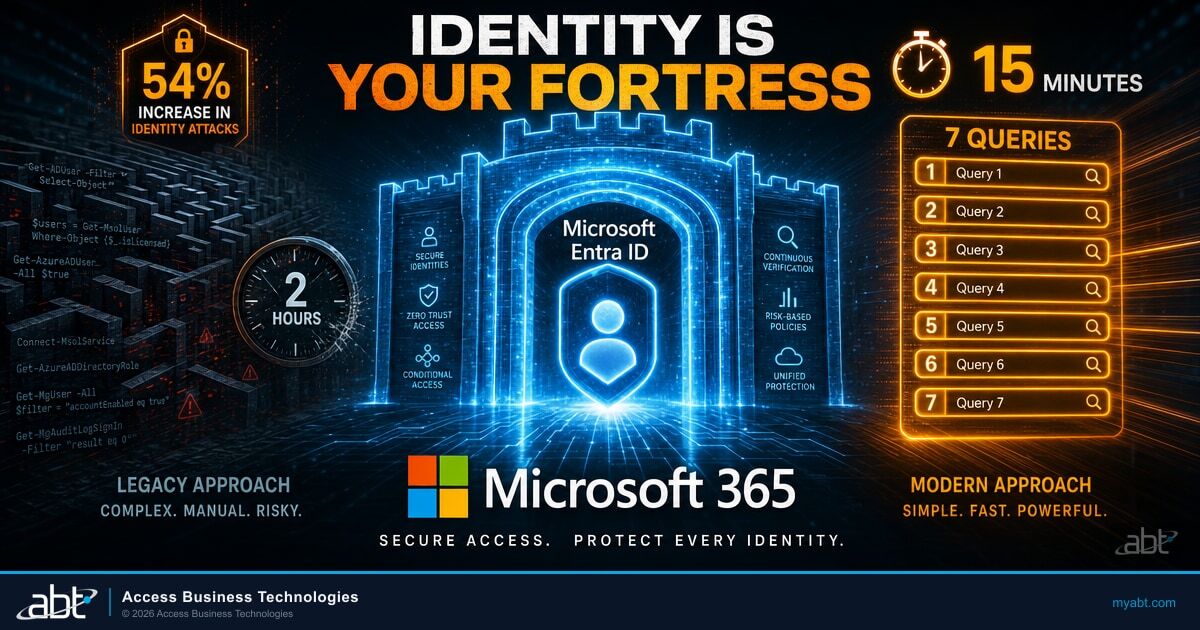
A Reddit post went viral last month showing how natural-language queries against an MCP Server for Enterprise could run a complete Entra ID security audit in 15 minutes, replacing what typically takes two hours of PowerShell scripting. The post pulled 43 upvotes and 17 comments from practitioners who immediately started testing the queries in their own environments. The consensus: most institutions don't know what their Conditional Access policies actually look like until someone runs the audit. Identity is now the primary attack surface, which is why we keep reminding every CISO that the moat is gone and identity is your new fortress.
Here are the seven queries that cover the critical security dimensions of your Entra ID environment, what to fix first when the results come back, and how Guardian's continuous monitoring prevents drift after you close the gaps.
Short on time? The break-glass model in 30 seconds.
Microsoft's own security team runs on two break-glass accounts, with every other admin right granted just-in-time through Microsoft Entra Privileged Identity Management. You request a role, hold it for an hour, and it expires automatically. Your institution can run the same way.
Watch the 60-second version7 Queries That Run a Complete Entra ID Audit
Each query targets a specific security dimension. Run them in order and you'll have a complete view of your identity posture in 15 minutes. The natural-language format means you don't need a PowerShell expert on staff. Copy the query, run it against your tenant, and review the output.
"Show me all user accounts that haven't signed in within the last 90 days, including their last sign-in date and assigned licenses." Stale accounts with active licenses are both a security risk and a cost waste. Attackers target dormant accounts because nobody monitors them. Expect to find 5-15% of your user base in this category, especially after staff turnover, seasonal employees, or merger activity.
"List all users who are not enrolled in multi-factor authentication, grouped by department and license type." MFA is the single most effective control against credential compromise. Any user without MFA is an open invitation, and your examiner will ask for the list. The FFIEC Authentication Guidance has required risk-based MFA for years. This query tells you exactly who still doesn't have it.
"Show me all Conditional Access policies, their status (enabled, report-only, disabled), which users or groups they target, and what conditions they enforce." Most institutions have policies they think are active but are still in report-only mode from the initial deployment. Report-only mode logs what would happen but blocks nothing. Your examiner sees this as a finding.
"List all users with Global Administrator, Exchange Administrator, SharePoint Administrator, or Security Administrator roles, including whether they have MFA enabled and their last sign-in date." Standing admin accounts are the highest-value targets in any breach. Microsoft recommends a maximum of five Global Administrators per tenant, with just-in-time activation through Privileged Identity Management (PIM) for the rest.
"Show me all sign-ins flagged as medium or high risk in the last 30 days, including the user, location, device, and risk reason." Entra ID Protection (P2 license required) flags impossible travel, password spray attempts, and leaked credential detections. If this query returns results and nobody on your team has investigated them, that gap will show up in your next examination.
"Show me all guest accounts, their creation date, who invited them, and what SharePoint sites or Teams they have access to." Guest accounts accumulate over time. Last year's auditor guest account that still has access to the board's SharePoint site is a real finding from real assessments. Institutions with active vendor relationships often have 50-100+ guest accounts that nobody has reviewed in over a year.
"List all applications with delegated or application-level permissions to Microsoft Graph, including who granted consent and what permissions were granted." Third-party applications with broad Graph API permissions can read email, files, and calendar data across your tenant. Illicit consent grants are one of the top identity attack vectors that Microsoft tracks, and a single over-permissioned app can expose your entire tenant.

What to Fix First: Remediation by Priority
Running the audit is step one. The results will likely surface more findings than your team can address in a single afternoon. Here is the priority order, based on what examiners flag most frequently and what attackers exploit first.
Disable (don't delete) any account inactive for 90+ days. Remove assigned licenses. Document the action. If the user returns, you can re-enable the account with a fresh password and MFA enrollment. This single step closes the lowest-effort, highest-risk gap.
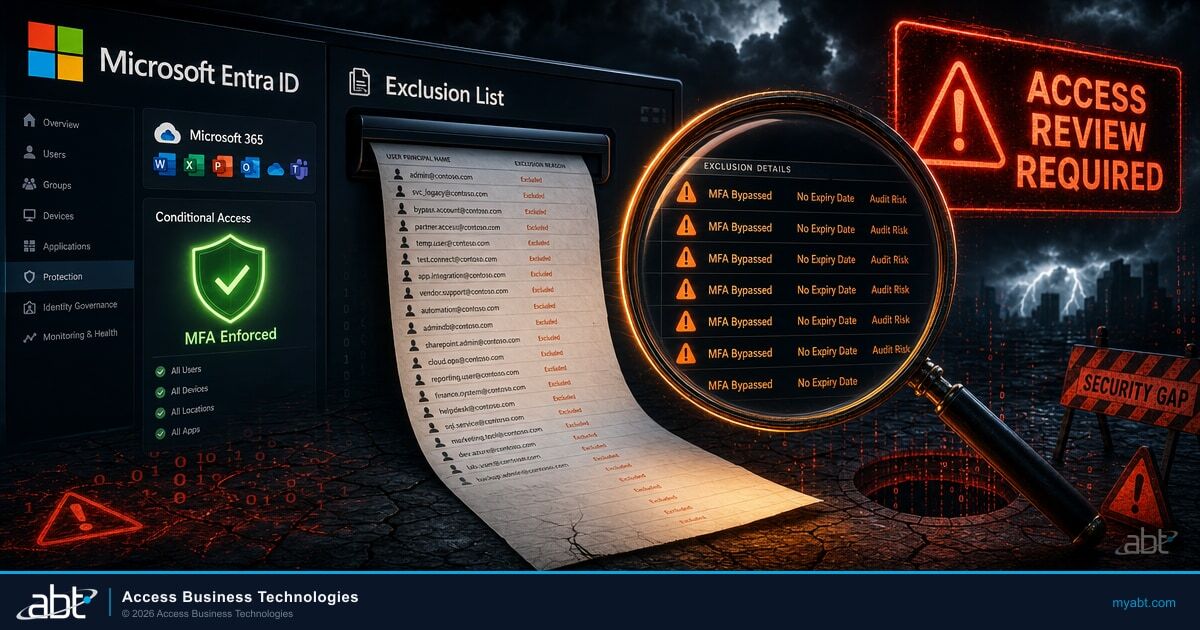
Move from per-user MFA to Conditional Access-based MFA. Target all users with a single policy. Exclude only your two emergency break-glass accounts (which should be cloud-only, long passwords, no MFA, monitored). Enforce MFA registration within 14 days for any stragglers.
Review every Conditional Access policy in report-only mode. If it has been in report-only for more than 30 days without issues in the sign-in logs, switch it to enforced. Policies that sit in report-only indefinitely provide zero protection and create a false sense of security.
Reduce standing Global Administrators to five or fewer. Enable Privileged Identity Management (PIM) for just-in-time activation on all other admin roles. Require MFA and justification for every elevation. Set activation windows to a maximum of 8 hours.
Remove guest accounts that haven't accessed the tenant in 180+ days. Revoke consent from applications that your team doesn't recognize or no longer uses. Set up quarterly access reviews in Entra ID Governance to prevent re-accumulation.
The order matters. Stale accounts and missing MFA are the two findings that appear in nearly every examination report, and they require the least effort to close. Locking down privileged roles and cleaning guest permissions come next because they reduce your blast radius if a credential is compromised. Institutions that complete all five steps in a focused afternoon typically see a measurable Secure Score improvement within the same week.
What Your Examiner Wants to See
FFIEC examiners evaluate identity controls under the Access Rights Management domain. They want evidence that your institution reviews access rights at least quarterly, removes access promptly upon role changes or termination, and enforces MFA across all user types. The five remediation steps above map directly to the findings that appear most frequently in examination reports for community banks and credit unions running Microsoft 365.
Entra ID P1 vs P2 for Financial Institutions
Not every query in the audit requires the same license tier. Understanding what P1 covers and where P2 adds detection capability helps your team make an informed licensing decision. Most community banks and credit unions on Business Premium already have P1 features. The question is whether the P2 risk detection capabilities justify the additional cost for your risk profile.
| Capability | Entra ID P1 | Entra ID P2 |
|---|---|---|
| Conditional Access policies | Full support | Full support |
| MFA enforcement via CA | Full support | Full support |
| Named locations (IP/country) | Full support | Full support |
| Self-Service Password Reset | Full support | Full support |
| Sign-in risk detection | Not available | Impossible travel, password spray, anonymous IP, leaked credentials |
| User risk detection | Not available | Leaked credentials, anomalous behavior, threat intelligence |
| Risk-based Conditional Access | Not available | Block or step-up MFA based on real-time risk level |
| Privileged Identity Management | Not available | Just-in-time admin activation with approval workflows |
| Access Reviews | Basic | Automated quarterly reviews with auto-removal |
| Included in | Business Premium, E3 | E5, standalone add-on |
Business Premium includes P1, which covers MFA, Conditional Access, and basic reporting. But P1 alone leaves gaps that examiners increasingly flag: no leaked credential detection, no risk-based sign-in policies, no just-in-time admin activation, and no automated access reviews. ABT recommends adding Entra ID P2 for every financial institution on Business Premium. The leaked credential detection alone justifies the add-on cost, because without it, your examiner has to take your word that compromised passwords get caught. With P2, the system catches them automatically and Guardian's zero-tolerance response revokes sessions before the attacker reaches the mailbox.
For institutions that need the full security stack, ABT builds a Business Premium + add-ons recipe that brings you as close to E5 capability as possible, often at a lower total cost than jumping to E5 licensing. We recommend E5 for key accounts where the math works, especially institutions with heavier compliance burdens or larger user counts where the per-seat E5 price starts to make sense against the add-on approach. Your ABT licensing specialist can run both scenarios side by side so you see the actual numbers for your institution.
A loan officer's credentials appear in a dark web breach database. The next morning, an attacker logs in from an overseas IP using those credentials. Conditional Access enforces MFA, but the attacker has already intercepted the MFA prompt through a real-time phishing proxy. The sign-in succeeds because P1 has no mechanism to flag the session as risky based on the known credential compromise.
Entra ID Protection detects the leaked credentials before the attacker attempts the sign-in. The user's risk level is elevated to High. Guardian's zero-tolerance threat response calls the Graph API to revoke all active sessions immediately. The Conditional Access risk policy blocks the next sign-in attempt and forces a password reset through a verified MFA challenge. The attacker never reaches the mailbox.
What Guardian Adds on Top
Running these seven queries once gives you a snapshot. Guardian's continuous monitoring turns that snapshot into a real-time security feed. The difference between a one-time audit and ongoing protection is the difference between a photograph and a security camera.
Guardian Hardening deploys 12 Conditional Access policies as part of the standard baseline, including the Block Device Code Flow policy that shuts down the phishing pattern covered below. These policies cover MFA enforcement for all users, legacy authentication blocking across Exchange and SharePoint, risky sign-in response with step-up MFA, device compliance requirements for admin access, and geographic restrictions for institutions with purely domestic operations. They deploy in Report-Only mode first, giving your team time to review the impact in the sign-in logs before switching to enforcement. Enforcement follows once the institution is ready - typically a matter of weeks, depending on staging pace and exclusion review.
As part of the Guardian operating model, ABT tracks 160+ Microsoft Secure Score controls continuously. When a new stale account appears, when someone grants broad permissions to a third-party app, or when a sign-in from an impossible travel location occurs, ABT's monitoring catches the drift. Guardian tracks each of the 80 configured policies against 8 operational status categories (Match, NonCriticalChanges, CriticalDrift, NotApplicable, and others), so policy drift gets caught within hours rather than quarters. For the broader context on how examiners now expect identity controls to operate, read our analysis of FFIEC CAT's retirement and the move to NIST CSF 2.0.
Guardian's zero-tolerance threat response (Tokenator) adds the automated enforcement that manual audits cannot replicate. When Microsoft Entra ID Protection detects a risk event (leaked credentials, impossible travel, anonymous IP sign-in), Tokenator calls the Microsoft Graph API to revoke the affected user's sign-in sessions across every device immediately. Microsoft's Continuous Access Evaluation then terminates active connections within minutes, and the Conditional Access risk policy - deployed by ABT but operating on Microsoft's Identity Protection signal - forces MFA plus a password reset on the next sign-in. This response runs 24/7 without waiting for a human analyst to open a ticket.
Microsoft Entra ID Protection detects leaked credentials at the Free/P1 tier natively for cloud-only accounts. Hybrid accounts (where on-prem AD passwords are synced) require Password Hash Sync so Microsoft can compare the synced hash against known breach databases. Guardian's full three-layer reactive response requires Entra ID P2 because the reactive Conditional Access risk policy runs on P2's risk signal. When a leak is detected, Tokenator revokes sessions via the Graph API, Continuous Access Evaluation terminates active connections within minutes, and the Conditional Access risk policy forces MFA plus a password reset before the user can sign back in. This three-layer response (revoke, terminate, force reset) closes the window between credential exposure and account takeover.
That three-layer response chain is what separates a configured identity stack from a governed one. Microsoft's Entra ID Protection provides the detection signal and the Continuous Access Evaluation enforcement layer. Guardian (Tokenator) adds the custom Graph-API revocation and the pre-configured risk-based Conditional Access policies that turn those signals into sub-minute reactions. The result is a response window measured in minutes rather than the hours or days that manual investigation typically requires.
Thirty percent of all intrusions in 2024 involved stolen or abused credentials. The audit tells you where your gaps are. Guardian makes sure the gaps don't come back after you fix them.
The Identity Crisis in Financial Services
Financial institutions face a specific version of this problem. Your employees access customer data daily. Your examiners ask specifically about identity controls. Your board expects quarterly reporting on security posture. Yet most institutions haven't run a full Entra ID audit since their initial migration to Microsoft 365. The underlying discipline is the same one that informs our Microsoft 365 security checklist for credit unions and the Microsoft 365 security audit checklist for community banks.
The 2026 Microsoft enforcement timeline adds urgency. Legacy authentication protocols are being deprecated across all Microsoft 365 services by December 31, 2026. MFA enforcement for Azure portal access takes effect October 1, 2026. Security Defaults become mandatory for all new tenants as of June 30, 2026. Institutions that haven't already built their Conditional Access framework will be forced into Microsoft's default settings, which may not align with their specific compliance requirements or operational workflows. The April 14 Kerberos RC4 deprecation is a companion enforcement deadline that hits on-premises service accounts at the same time, so hybrid tenants need both playbooks running in parallel.
The seven queries take 15 minutes. The remediation playbook above takes a focused afternoon. The Guardian baseline that keeps your identity posture from drifting back takes a phone call. The cost of not doing any of it is measured in breach response, examiner findings, and the kind of headlines no financial institution wants.
Microsoft's Digital Defense Report 2025 found that identity-based attacks account for the overwhelming majority of initial access in enterprise breaches. Verizon's DBIR has documented credential compromise as the top attack vector for five consecutive years (2021-2025). For the 750+ financial institutions ABT serves, identity security isn't one part of the security stack. It's the foundation everything else depends on.
An Entra ID security assessment in 7 queries, not 2 hours of PowerShell

What Would 7 Entra ID Queries Reveal in Your Tenant?
The queries in this guide surface conditional access gaps and privileged-account risk that usually hide until an audit finds them. A security assessment runs that same Microsoft Entra ID review across your environment and hands you a prioritized fix list.
Frequently Asked Questions
Basic Conditional Access and MFA are available with Entra ID P1 (included in Business Premium). Microsoft detects leaked credentials at the Free/P1 tier natively for cloud-only accounts, so the detection signal itself does not require P2. Entra ID P2 is required for the risk-based Conditional Access policies that react to those signals automatically - that is the reactive layer Guardian's zero-tolerance response depends on. Hybrid accounts (on-prem AD syncing passwords to Entra ID) need Password Hash Sync so Microsoft can evaluate the synced hash against breach data; cloud-only accounts are covered natively.
Quarterly at minimum for a manual audit. However, identity configurations drift constantly as new users are added, permissions change, and third-party applications are granted access. Continuous monitoring through Guardian catches drift in real time rather than waiting for the next quarterly review to discover a gap.
Password Hash Sync sends a hashed version of on-premises passwords to Entra ID. This allows Microsoft to compare hybrid-account password hashes against known breach databases. Cloud-only accounts are detected natively without PHS. Most Guardian customers run cloud-first identity, so PHS applies only to the institutions on hybrid Entra ID Connect configurations.
Queries 1 through 4 and 6 through 7 work with any Microsoft 365 plan that includes Entra ID. Query 5 (risky sign-in review) requires Entra ID Protection, which comes with P2 or is included in Microsoft 365 E5 and Business Premium. If you do not have P2, you can still run the other six queries for a substantial security improvement.
Prioritize findings by risk: disable stale accounts immediately, enforce MFA on all accounts without it, switch report-only Conditional Access policies to enforcement, and review third-party application permissions. For a more structured approach, ABT's tenant hardening process takes audit findings and deploys the Guardian 80-policy baseline that addresses each category systematically.
Break-glass accounts are emergency access accounts excluded from Conditional Access policies. They prevent complete lockout if a policy misconfiguration blocks all administrators from the tenant. Microsoft recommends at least two break-glass accounts per tenant: cloud-only (not synced from on-premises), with long complex passwords, no MFA requirement, and monitored for any sign-in activity. Every financial institution needs them before deploying Conditional Access at scale.
How Does Your Entra ID Security Stack Up?
ABT's security assessment covers these and 150+ more checks across your Microsoft 365 environment:
- Complete Entra ID audit covering all 7 query dimensions plus Secure Score analysis
- Conditional Access policy review with specific remediation recommendations
- Guardian continuous monitoring setup to prevent configuration drift
- Examiner-ready documentation mapped to NIST CSF 2.0 functions (the FFIEC CAT's replacement after its August 2025 retirement)