

In This Article
Every loan file, member email and board packet your institution keeps in Microsoft 365 sits behind one sign-in, and your staff complete that sign-in all day. A newer kind of phishing kit lets the attacker complete it instead. Push Security calls DOM mirroring "the newest and fastest-growing class" of adversary-in-the-middle (AiTM) phishing, in research published November 18, 2026.
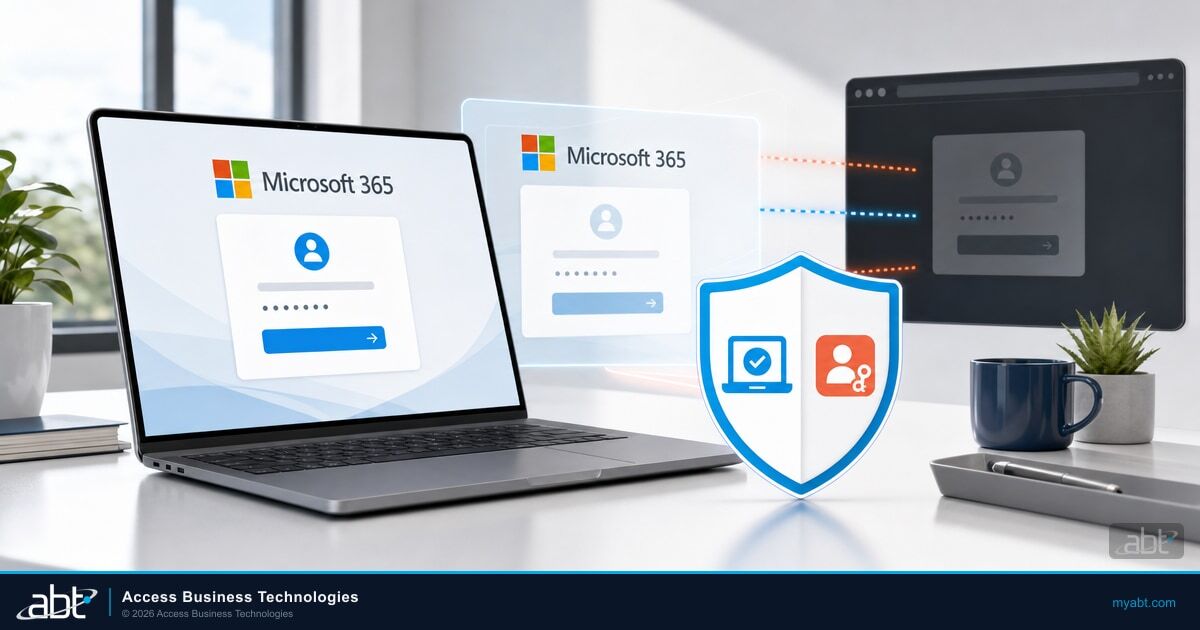
The kit opens the real Microsoft sign-in page in the attacker's own browser and mirrors a working copy to the victim. The victim types a password and approves the multi-factor authentication (MFA) prompt, and the sign-in finishes on the attacker's side. Push puts the consequence plainly: there is no cookie to replay, and controls that tie a session to a device tie it to the attacker's device.
ABT is a Tier-1 Microsoft Cloud Solution Provider that has served 750+ financial institutions since 1999. We manage Microsoft 365 tenants that depend on the same sign-in these kits relay. This guide covers how the attack works and what Microsoft says its token and detection controls cover. It then sets out controls for three jobs. Two deny the mirrored sign-in: phishing-resistant sign-in with the weaker methods retired, and a mandatory compliant-device Conditional Access grant. Blocking device code flow closes an alternate route. Session revocation and reauthentication limit further access by a session that gets through.
"AiTM now accounts for 44.6% of all identified phishing techniques, compared to 33.6% for standard URL phishing and just 12.9% for traditional attachments." In the first six months of 2026, the share of AiTM phishing and token theft attacks "more than doubled," which Microsoft notes "is still comparatively small" as a share of all the attacks it detected.
Microsoft's report describes the reverse-proxy form, which steals the session cookie. DOM mirroring removes the cookie step, which shifts which defenses carry the weight. Our summary of the Microsoft Digital Defense Report 2026 for financial institutions covers the wider report.
How DOM Mirroring Phishing Takes the Microsoft 365 Sign-In
Push describes the mechanism: "The attacker's browser loads the real sign-in page, turns the page structure (the DOM) into data, and sends the victim's browser a copy of the page, then sends each change as it happens. The victim's browser rebuilds the page with the vendor's scripts removed." Every keystroke goes back to the attacker's browser, which sits on the real Microsoft site.
The victim sees real Microsoft markup, free of the lag of a streamed screen, and the kit is cheap. Push says it's built from browser automation and open-source libraries such as rrweb and diffDOM, "which AI coding tools make easy to put together."
"The session starts in the attacker's browser. There's no cookie to replay."
Push reports that DOMDIFFER, which it believes grew out of the reverse-proxy kit NakedPages, "became the dominant strain in the family from March 2026." By Push's own measure, which it calls breakthrough rate, DOMDIFFER was the top kit across August, September and October 2026, "at two to four times the rate of the second-ranked kit."
PhantomDOM: the Microsoft 365 version
On November 5, ZeroBEC published its analysis of PhantomDOM, a browser-in-the-middle (BitM) kit aimed at Microsoft 365. The attempt began with a SharePoint-themed PDF from an apparently legitimate sender, under the subject "Mandatory Benefits & Compensation claims for [organization] effective from October 30, 2026." The lure said the share expired in three days. After a Cloudflare Turnstile check on a Microsoft-branded "Verify it's you" page, Microsoft authentication ran inside an attacker-controlled remote browser, and the victim ended on a genuine DocuSign activation-error page.
In ZeroBEC's controlled test on its own account, the attacker-controlled session reached Microsoft 365 Search at m365.cloud.microsoft/search and opened two identified Outlook messages, with "Keystrokes, edits, MFA and clipboard input forwarded live." ZeroBEC stopped one targeted attempt. Separately, it ran two controlled sign-in sequences on its own test account, which is where it observed that Search access and those Outlook messages, so treat PhantomDOM as proof the method works against Microsoft 365.
For a lender, remember the lure. A benefits notice, a SharePoint share with a deadline and a DocuSign page look a lot like the HR paperwork and closing documents your processors handle every week. The 2026 Microsoft Digital Defense Report sums up the stakes: "87.7% of phishing intrusions involved credential or session harvesting."
Where does your tenant stand on MFA, Conditional Access and device compliance?
A DOM-mirroring kit can relay a password and an MFA approval. The Security Grade scan gives you a prioritized list of the Microsoft 365 controls your tenant has in place, starting with identity and MFA enforcement, Conditional Access coverage and device compliance status.
The Four AiTM Phishing Classes Side by Side
Push groups today's kits into four classes: reverse proxy, replica page, pixel streaming and DOM mirroring. The useful question for each class is where the real sign-in completes.
| AiTM class | What the victim's browser shows | Where the real sign-in completes | How common, per Push |
|---|---|---|---|
| Reverse proxy | Microsoft's real page, passed through the attacker's domain | Through the proxy, which captures the session cookie | The classic form, as in the original Evilginx |
| Replica page | The kit's own copy or lookalike | On the kit's backend, replayed by script, browser or operator | The most common class today |
| Pixel streaming | Video frames of a real browser | In the attacker's remote browser | The rarest class |
| DOM mirroring | A working copy rebuilt from the attacker's browser, Microsoft's scripts removed | In the attacker's remote browser | The newest and fastest growing |
Two facts hold across all four. Delivery and evasion are shared: bot checks, cloaking, trusted redirects and fast-rotating domains appear in every class. And in every class, Push says, "the real service sees the sign-in come from the attacker's side," often routed through residential proxies "so it looks like an ordinary home connection." That second fact is the lever a defender can pull, because Conditional Access, Microsoft's policy engine for deciding what each sign-in must satisfy, evaluates whoever presents the sign-in.

What Token Protection and Microsoft's AiTM Detection Cover
Two Microsoft controls come up first in any AiTM conversation: Token Protection in Conditional Access, and the risk detections in Microsoft Entra ID Protection. Microsoft scopes both precisely.
Token Protection: native apps generally available, browser support a limited preview
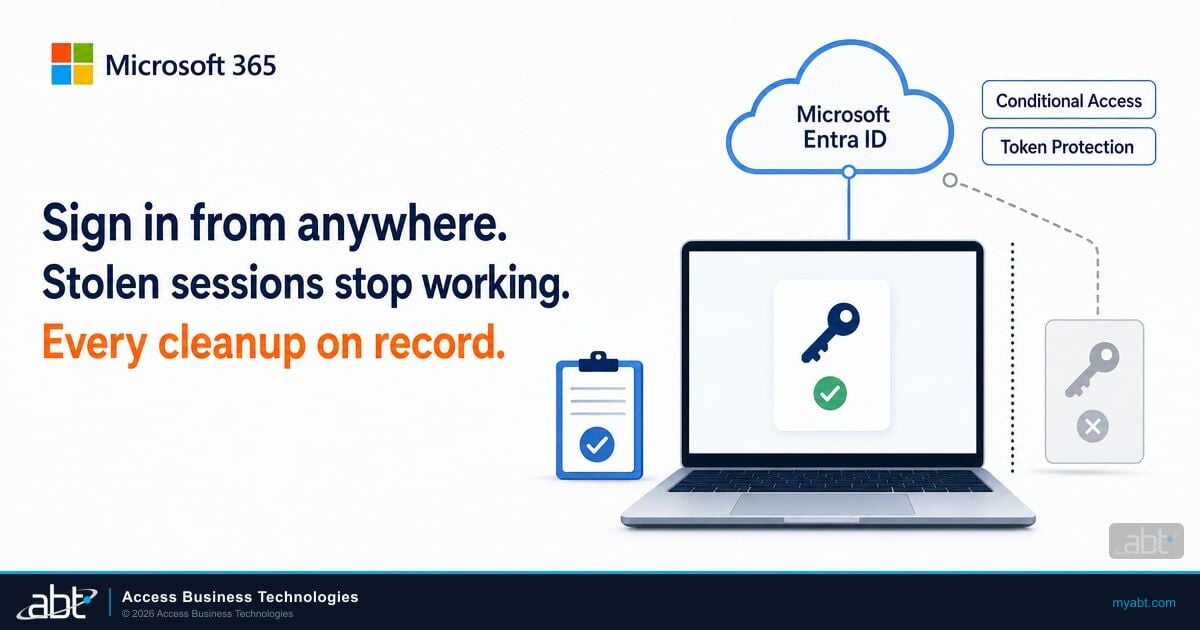
Microsoft describes Token Protection as a Conditional Access session control that "attempts to reduce token replay attacks by ensuring only device bound sign-in session tokens, like Primary Refresh Tokens (PRTs), are accepted." For native applications it is generally available on supported platforms, Windows among them, and protects Exchange Online, SharePoint Online and Microsoft Teams (plus Azure Virtual Desktop and Windows 365 on Windows). Browser support is a preview "limited to selected web apps, browsers, and device configurations that access Azure Resource Manager," so Microsoft 365 sessions in a browser, such as Outlook on the web, sit outside its current scope. It requires Microsoft Entra ID P1.
Attacker in the Middle detection: offline, described for reverse proxies, licensed at E5
Microsoft's risk detections reference lists Attacker in the Middle as an offline user-risk detection that "is triggered when an authentication session is linked to a malicious reverse proxy," licensed at "Microsoft 365 E5 with Enterprise Mobility + Security E5." It runs after the sign-in.
Unfamiliar sign-in properties and anomalous token: Microsoft Entra ID P2
Unfamiliar sign-in properties runs in real time on properties that "can include IP, ASN, location, device, browser, and tenant IP subnet." Anomalous token flags "an unusual lifetime or a token played from an unfamiliar location." Both require Microsoft Entra ID P2. Tenants without P2 see detections "titled Additional risk detected without risk detection details."
Token Protection is built to stop a token issued on one device from being replayed on another. In DOM mirroring the sign-in itself happens on the attacker's device, so in ABT's reading any device binding attaches to the attacker's device. Push makes the same point about Device Bound Session Credentials (DBSC), which "can't protect against BitM." Token Protection does its best work in the cookie-theft case covered in our article on the Microsoft 365 token replay campaign.
The P2 risk detections are worth licensing as a second layer behind the controls below, which settle the outcome at sign-in.
Deny, Close, Limit: The Microsoft 365 Response to DOM Mirroring
The controls below do three jobs. Two deny the mirrored sign-in: the Phishing-resistant MFA authentication strength and a mandatory compliant-device grant, under which an in-scope request that cannot show the required device compliance is denied. Blocking device code flow closes an alternate route. Revocation and reauthentication limit further access by a session that gets through. Together they keep your staff signing in to email, SharePoint and Teams from managed devices.
1. Deny the mirrored sign-in: phishing-resistant sign-in, with the weaker methods retired
Push calls passkeys and other FIDO2 methods "a strong defense against all four classes," because the browser binds the passkey's response to the site that asked for it. Microsoft's passkeys documentation says passkeys "use origin-bound public key cryptography, ensuring credentials can't be replayed or shared with malicious actors."
The condition is coverage. Push warns that "passkeys only help if the weaker methods go away," because a kit can downgrade an account that still accepts a password and a one-time code, and Microsoft names downgrade as an attacker technique too. So require the built-in Phishing-resistant MFA authentication strength in Conditional Access, which allows Windows Hello for Business or platform credential, FIDO2 security keys, and Microsoft Entra certificate-based authentication (multifactor). Then retire SMS, voice and one-time codes from the authentication methods policy as each group moves over, and keep a named, reviewed list of accounts still waiting.
Conditional Access is "evaluated only after the initial authentication," so a kit can still capture the password; rotate it after any suspected relay. Passkeys "are available in all Microsoft Entra ID editions, including Microsoft Entra ID Free." Our guide to phishing-resistant MFA for financial institutions covers what examiners look for.
2. Deny the mirrored sign-in: a mandatory compliant-device grant
Microsoft's token protection guidance says "organizations must create a Conditional Access policy that requires users to use a compliant device to access all resources." In ABT's analysis, this is the control that meets DOM mirroring head on. The attacker's remote browser runs on attacker infrastructure, outside your Microsoft Intune enrollment, so a correctly enforced compliant-device grant denies that in-scope request, because it cannot show the required device compliance, even after the password and MFA were relayed.
A loan processor opens a benefits PDF from a familiar sender, follows the SharePoint link, passes a "Verify it's you" check and signs in to what looks like Microsoft 365. Her password and authenticator approval travel live to the attacker's browser, which completes the real sign-in.
Conditional Access requires a compliant device, and the attacker's machine sits outside your Intune enrollment, so the sign-in ends at the grant. Your team rotates her password and reviews her MFA methods.
"Correctly enforced" carries two conditions. The grant stands on its own for the resources that matter, with no alternative branch a relayed sign-in can satisfy, such as compliant device or MFA. And device enrollment is controlled, so a stolen session has no easy path to a new device that passes compliance. ZeroBEC's response guidance includes reviewing device registrations, and our article on the Knight Office AiTM kit shows how a registered device keeps an attacker in place after a password reset.
3. Close an alternate route: block device code flow
Device code flow is the sign-in where one device shows a short code and the user types it in on a second device. Microsoft's guidance is direct: "Microsoft recommends blocking device code flow wherever possible."
Kits switch payloads. Push found fake event pages that "sent Google users to VoidProxy and Microsoft users to a Kali365 device code flow." Push concludes: "If one route is closed, the attacker serves a different one from the same page."
Close this route at the same time as the relay route. We covered it in our article on the FBI warning about Kali365.
4. Limit further access: revocation, and reauthentication for sensitive actions
For a sign-in that gets through, such as an exception-list account, Microsoft lists Conditional Access policies to "Require interactive reauthentication for sensitive operations (authentication context)" and "Detect and remediate high-risk users." Microsoft also says applications that support continuous access evaluation "automatically revoke access in near-real time when high user risk is detected." Revocation limits further access once a session exists; it cannot undo mail the attacker already read. Automated high-risk response also needs a qualifying risk signal, which a mirrored session may not produce, and near-real-time enforcement applies only in applications that support continuous access evaluation. For an account confirmed as affected, ZeroBEC's response checklist is the one to adopt: "revoke sessions and refresh tokens, rotate credentials, review device registrations/MFA changes, OAuth grants, mail forwarding and inbox rules."
Scoped narrowly for DOM mirroring
- SMS, voice and one-time codes, which a kit relays live
- Token Protection: native apps generally available, browser preview for Azure Resource Manager web apps
- DBSC and other device binding, which binds to the attacker's device
- Attacker in the Middle detection, offline and described for reverse proxies
Decides the sign-in or the session
- Phishing-resistant authentication strength, weaker methods retired
- Compliant-device grant with no weaker alternative branch
- Device code flow blocked wherever possible
- Session revocation, continuous access evaluation and reauthentication
A Hardening Sequence for Banks, Credit Unions and Lenders
Staff keep closing loans and answering members while sign-in changes underneath them, so ABT recommends this order, with a pilot group first at each step. In the Entra passkey migration, ABT's M365 Guardian team inventories every SMS and voice user in your tenant and stands up and tunes the passkey registration campaign for you.
List every user on SMS, voice or one-time codes, plus shared and service accounts
Register passkeys, security keys or Windows Hello for Business, pilot group first
Enforce the Phishing-resistant MFA strength and a compliant-device grant
Block device code flow and retire the weaker methods
Set reauthentication for sensitive actions and a tested revocation runbook
Step one takes the most effort. Push notes that "not every app, account, or user can use a passkey yet," and those accounts become your exception list: give each an owner, a reason and a review date. Our article on Entra passkeys and the SMS and voice MFA retirement covers recovery, lost devices, break-glass access and pilot groups.

Most of this sequence runs on Microsoft Entra ID P1, which Microsoft includes in Microsoft 365 Business Premium. The table maps each control to the license Microsoft lists.
| Control | License Microsoft lists |
|---|---|
| Passkeys (FIDO2) | All Microsoft Entra ID editions, including Free |
| Conditional Access, including authentication strengths and compliant-device grants | Microsoft Entra ID P1, included in Business Premium |
| Token Protection | Microsoft Entra ID P1 |
| Risk-based Conditional Access, unfamiliar sign-in properties, anomalous token | Microsoft Entra ID P2, included in Microsoft Defender Suite for Microsoft 365 Business Premium |
| Attacker in the Middle detection | Microsoft 365 E5 with Enterprise Mobility + Security E5 |
For a Business Premium institution, the licensing decision here is Entra ID P2. Microsoft's Conditional Access overview states that "Risk-based Conditional Access policies (sign-in risk and user risk) require Microsoft Entra ID Protection," a P2 feature, and Microsoft's licensing page includes P2 in Microsoft Defender Suite for Microsoft 365 Business Premium. ABT recommends Defender Suite on all of your Business Premium seats, so the "Detect and remediate high-risk users" policy has real-time risk detections behind it. As a Tier-1 Microsoft Cloud Solution Provider, ABT can license it for you, and the license and the Conditional Access policy that depends on it come from one partner.
Then write it down: the authentication strength you require, the methods you retired, the exception list and its owners, the compliant-device policy and the revocation runbook. That record answers your board's and examiners' phishing questions with dates attached.
How ABT and M365 Guardian Help
M365 Guardian is the operating model ABT uses to manage your Microsoft 365 tenant. "Every rung includes a hardened Microsoft 365 tenant: Zero Trust identity and device baselines, Microsoft Entra ID Conditional Access, multi-factor authentication and single sign-on, Microsoft Intune device compliance," plus data loss prevention and Defender for Office 365 configuration. Guardian configures Microsoft Entra Conditional Access to enforce MFA, risk-based access controls, device compliance, geo-blocking and legacy authentication blocking, and monitors that configuration for drift.
For the move to phishing-resistant sign-in, ABT runs the Entra passkey migration for you. Beyond the inventory and the registration campaign, the M365 Guardian team "hardens the Authentication Methods Policy, and monitors registration coverage."
Business Premium "includes Microsoft Entra ID P1, Microsoft Defender for Office 365 Plan 1, Microsoft Defender for Business, Microsoft Intune, and Microsoft Purview data loss prevention. What it does not do is configure itself." Against DOM mirroring, every control that decides the sign-in is a setting: the authentication strength, the methods policy, the compliant-device grant and the device code block.
Guardian Contain adds round-the-clock detection on Microsoft Defender XDR signals, with "pre-authorized automated containment that revokes a compromised session in seconds at any hour." That containment starts when a covered signal fires. A mirrored sign-in may not generate one, which is why the prevention controls above come first, and enforcement depends on the application. Tokenator, ABT's automated response engine, "detects suspicious OAuth token behavior and immediately revokes compromised sessions." Guardian Respond and Guardian Resolve add ABT security engineers on covered incidents. The M365 Guardian page lays out each rung, with Microsoft licensing quoted on its own line.
Move your staff to passkeys bound to Microsoft's real sign-in
What the M365 Guardian passkey migration covers:
- An inventory of every SMS and voice user in your tenant
- A passkey registration campaign, stood up and tuned for your staff
- A hardened Authentication Methods Policy
- Registration coverage monitored to a documented finish
Frequently Asked Questions
DOM mirroring phishing is an adversary-in-the-middle technique in which the attacker's remote browser loads the real Microsoft 365 sign-in page and sends a working copy to the victim's browser. The victim's password and MFA approval travel back live, and the real sign-in completes in the attacker's browser, so the session starts there.
Passkeys, FIDO2 security keys, Windows Hello for Business and certificate-based authentication (multifactor) resist DOM mirroring, because each requires an interaction with the real sign-in surface. They hold once weaker methods are retired, since kits downgrade accounts that still accept a password and one-time code. Make the Phishing-resistant MFA strength the target Conditional Access policy for every user and app, and track each exception.
Token Protection binds session tokens to a device to resist replay. It is generally available for native apps on supported platforms such as Windows, protecting Exchange Online, SharePoint Online and Teams. Browser support is a limited preview for selected Azure Resource Manager web apps. DOM mirroring signs in on the attacker's device, so pair it with phishing-resistant sign-in.
Passkeys work in every Microsoft Entra ID edition, including Free. Conditional Access, authentication strengths and compliant-device grants need Microsoft Entra ID P1, which Business Premium includes. Risk-based Conditional Access needs Entra ID P2, which Microsoft Defender Suite for Microsoft 365 Business Premium includes. Attacker in the Middle detection is licensed at Microsoft 365 E5 with Enterprise Mobility + Security E5.
Revoke sessions and refresh tokens, rotate the password, and review device registrations, MFA method changes, OAuth grants and inbox rules. Document the revocation action and review subsequent Entra sign-in activity. Correlate it with available Exchange mailbox and SharePoint or OneDrive file audit events. Record what access was observed and any gaps in coverage or retention. On Guardian Contain, a covered signal can trigger pre-authorized session revocation; a mirrored sign-in may not produce that signal.