In This Article
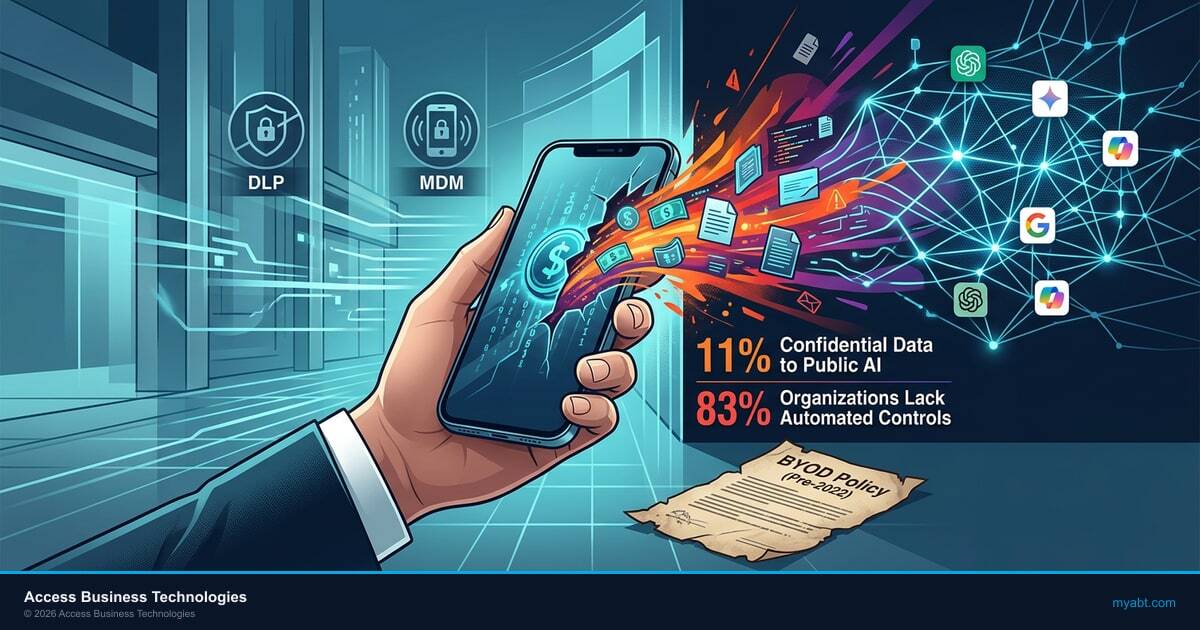
Your BYOD policy was probably written before ChatGPT existed. It covers email forwarding, screen locks, and remote wipe. It says nothing about an employee pasting a member's loan application into a free AI chatbot on their personal iPhone during a commute.
That gap is not theoretical. Seventy-eight percent of AI users at work are bringing their own AI tools, according to Microsoft's 2024 Work Trend Index. On personal devices, those tools operate completely outside your tenant, your DLP policies, and your compliance logging. The data leaves your environment the moment it enters a prompt.
For credit unions, community banks, and mortgage companies, this creates a specific regulatory problem. FFIEC examiners expect you to know where member data goes. NCUA expects you to control it. When a loan officer pastes account details into ChatGPT on a personal phone, you have a data exfiltration event you cannot detect, cannot log, and cannot report to your examiner.
Shadow AI on Personal Devices
Shadow IT used to mean someone signing up for Dropbox without asking. Shadow AI is a different scale of risk. When an employee installs ChatGPT, Google Gemini, or Claude on their personal phone, every prompt they type leaves your network boundary permanently. There is no firewall, no proxy, no DLP rule that intercepts that traffic on an unmanaged device.
The numbers confirm what security teams already suspect. Eighty percent of SMBs report employees bringing their own AI tools to work, and 75% of knowledge workers across all company sizes are already using AI at work daily. The majority of that usage happens on personal devices where IT has zero visibility.
Financial institutions face a compounding problem. Your employees handle sensitive member data, loan applications, Social Security numbers, account balances, and internal credit committee notes. When that data enters a free-tier AI tool on a personal device, it may be stored for model training, retained for abuse monitoring, or accessed by the AI provider's employees. OpenAI's enterprise agreements include data retention opt-outs, but the free ChatGPT app on someone's personal phone has no such protections.
A loan officer pastes a borrower's W-2, pay stubs, and credit summary into ChatGPT on their personal phone to draft a pre-approval letter faster.
PII left your institution's control. You have no log of the event, no DLP alert, and no way to satisfy an examiner asking where that data went. The AI provider may retain it for 30 days or longer.

Where BYOD Policies Fall Short
Most BYOD policies at financial institutions were written between 2015 and 2020. They address email, calendar, and maybe a mobile banking app. They require a PIN or biometric lock. They include a remote wipe clause. And they were considered thorough at the time.
Those policies have three blind spots that AI tools expose:
1. App-level data controls are missing. Traditional BYOD policies control which apps can access corporate email. They do not control which apps can receive data pasted from corporate apps. An employee can copy text from Outlook, switch to ChatGPT, and paste it. Nothing in the policy addresses that workflow.
2. AI tools bypass network-level protections. If your institution monitors outbound traffic on managed devices, that monitoring does not extend to personal phones on cellular networks. AI apps connect directly to external APIs over the employee's personal data plan. Your SIEM never sees the request.
3. No classification awareness. AI chatbots accept any text. They do not check whether the pasted content contains an account number, a Social Security number, or a confidential board memo. Without Conditional Access policies and app protection rules, there is no gate between your data and the AI provider's servers.
Why This Matters for Regulated Institutions
FFIEC guidance on information security requires institutions to maintain inventories of data flows and enforce access controls proportional to data sensitivity. AI tools on unmanaged personal devices create an uncontrolled data flow that most institutions cannot inventory, monitor, or restrict. Examiners are beginning to ask specifically about AI tool usage in their IT examinations.
Data Exfiltration Through AI Apps
Data exfiltration through AI apps is not a speculative risk. A February 2026 vulnerability in ChatGPT allowed silent data siphoning via DNS side-channel attacks before it was patched. The EchoLeak vulnerability in June 2025 exposed Copilot data without any user interaction. These are the incidents that were caught and disclosed publicly.
The larger risk is not technical vulnerabilities in AI platforms. It is the routine, everyday behavior of employees copying sensitive information into AI prompts. Every prompt is an outbound data transfer. On a managed device with Intune app protection policies, you can block copy-paste from managed apps to unmanaged apps. On a personal device without enrollment, you have no such control.
A ChatGPT vulnerability discovered in February 2026 enabled attackers to exfiltrate conversation data through DNS side-channel techniques without user awareness. The vulnerability was patched, but it demonstrated that AI tools create data exfiltration pathways that traditional endpoint security does not monitor.
For financial institutions, the risk profile breaks down into three categories:
| Risk Category | Managed Device | Unmanaged Personal Device |
|---|---|---|
| Copy-paste to AI apps | Blocked by Intune APP | Unrestricted |
| Data retention by AI provider | Enterprise agreements limit retention | Free-tier retains data for training |
| Audit trail for examiners | Logged via Purview + Defender | No logging possible |
| Prompt injection risk | Tenant-scoped with Copilot | No tenant boundary on personal AI apps |
| Remote wipe of AI history | Selective wipe via Intune | No control over app data |
Regulatory Pressure on Mobile AI
Regulators have not issued specific rules about AI chatbots on personal devices. But the existing frameworks already cover this risk if you read them carefully.
The FFIEC IT Examination Handbook requires institutions to identify and control all channels through which sensitive data can leave the organization. An AI app on a personal phone is a channel. The NCUA's cybersecurity guidance emphasizes that credit unions must implement controls proportional to the sensitivity of the data they handle. Member PII pasted into an uncontrolled AI tool is disproportionate risk.
The FTC Safeguards Rule, which applies to mortgage companies and non-bank financial institutions, requires "reasonable safeguards" for customer information. Allowing employees to paste customer data into AI apps on unmanaged phones is difficult to defend as reasonable in an examination.
Here is what examiners are starting to ask:
- Does your acceptable use policy address generative AI tools?
- Can you demonstrate technical controls that prevent data from flowing to unauthorized AI services?
- Do you have an inventory of AI tools used by employees, including on personal devices?
- How do you monitor for AI-related data exfiltration on BYOD devices?
If your answer to any of those is "we haven't addressed that yet," you have a finding waiting to happen.
Key Takeaway
You do not need a new regulation to be held accountable for AI data leakage on personal devices. Existing FFIEC, NCUA, and FTC frameworks already require you to control sensitive data flows. AI tools on unmanaged BYOD devices are an uncontrolled flow that examiners can cite today.
Guardian + Intune + Conditional Access
The solution is not banning personal devices. Sixty-six percent of organizations have considered or implemented GenAI bans, and those bans consistently fail because employees find workarounds. The solution is layered technical controls that protect data without requiring full device management.
ABT deploys a three-layer approach for financial institutions using Microsoft's built-in security stack:
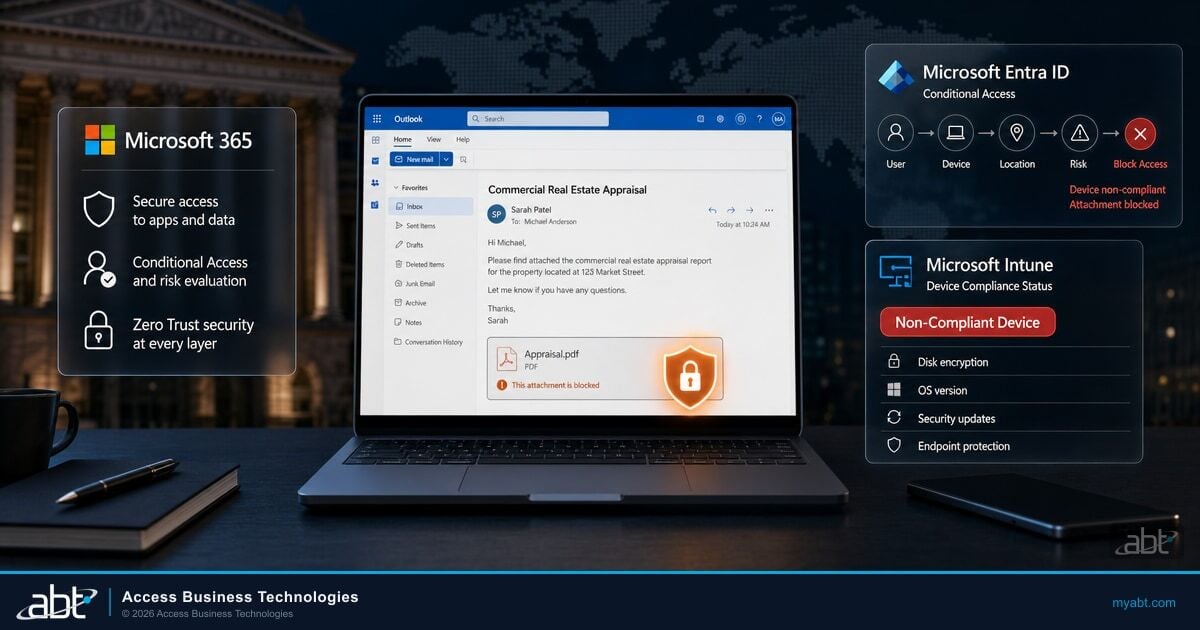
Block access to corporate data from devices that are not compliant. Require MFA, device health attestation, and approved client apps before any M365 data is accessible on a personal device.
Apply MAM (Mobile Application Management) policies without full device enrollment. Block copy-paste from managed apps (Outlook, Teams, OneDrive) to unmanaged apps (ChatGPT, Gemini). Encrypt corporate data at the app level.
Security Insights surfaces unusual data movement patterns, policy violations, and non-compliant device access attempts. Continuous monitoring closes the visibility gap that BYOD creates.
This approach works because it protects the data, not the device. An employee can use their personal iPhone for work email and Teams. But Intune app protection policies prevent them from copying content out of those managed apps into ChatGPT or any other unmanaged application. The data stays inside the corporate boundary even on a personal device.

Microsoft's own data shows that 78% of AI users bring their own AI tools to work. Business Premium at $22/user/month includes Intune and Conditional Access, giving financial institutions the technical controls to govern AI on personal devices without requiring full MDM enrollment. Adding Copilot Business at $32/user/month (current CSP promo) gives employees a governed AI alternative that keeps prompts and responses inside the Microsoft 365 tenant boundary.
Source: Microsoft 2024 Work Trend Index; Microsoft CSP Partner Pricing, 2026
The practical deployment for most ABT clients follows this sequence: First, assess your current AI readiness posture and identify where employees are already using AI tools. Second, deploy Conditional Access policies that require compliant apps and device health checks for M365 access on personal devices. Third, roll out Intune app protection policies that prevent data leakage from managed to unmanaged apps. Fourth, deploy Copilot Business as the sanctioned AI tool so employees have a governed alternative to ChatGPT on their personal phones.
The key insight: if you give people a better, faster, more capable AI tool that works inside your security boundary, they stop using the ungoverned free alternatives. Copilot Business inside Teams and Outlook on a personal phone is both more useful and more secure than ChatGPT running in a separate app.
Building an AI-Aware BYOD Policy
Your existing BYOD policy needs four additions to address AI tools. These are not optional enhancements. They are the minimum required to defend your current policy in an examination.
1. Define "AI tools" as a category in your acceptable use policy. List specific applications: ChatGPT, Google Gemini, Claude, Perplexity, and any other generative AI service. State clearly that corporate data, member data, and confidential information must not be entered into these tools on any device unless specifically approved by IT.
2. Require app protection enrollment for BYOD access. Any personal device that accesses corporate email, Teams, or OneDrive must accept Intune app protection policies. This is not full device management. It only controls the corporate apps and the data inside them. Employees keep full control of their personal apps and data.
3. Deploy a sanctioned AI tool. Blocking AI without providing an alternative guarantees workarounds. Deploy Copilot Business so employees have a governed AI tool that works in the apps they already use. This removes the incentive to use free AI tools on personal devices.
4. Add AI tool usage to your incident response plan. Define what constitutes an AI-related data incident. Include procedures for when an employee reports (or is discovered to have) pasted sensitive data into an ungoverned AI tool. Determine your notification obligations under your state's data breach law and your regulator's guidance.
Is Your BYOD Policy Blind to AI?
Personal devices running consumer AI tools are an uncontrolled flow of member and borrower data that your mobile policy never anticipated. A security assessment shows where your Microsoft 365 controls, Intune, and Conditional Access already close the gap and where shadow AI still slips through.
Frequently Asked Questions
Yes. Intune MAM (Mobile Application Management) applies app protection policies to managed apps like Outlook and Teams without requiring full device enrollment. These policies block copy-paste from managed apps to unmanaged apps, preventing data from flowing into ChatGPT or other AI tools on personal devices.
The data leaves your institution's control entirely. Free-tier ChatGPT may retain conversation data for model training and does not provide enterprise-grade data handling agreements. You lose audit trail visibility, cannot demonstrate data flow control to examiners, and may trigger breach notification obligations depending on the sensitivity of the information shared.
Yes. Microsoft 365 Copilot Business processes all prompts and responses within your tenant boundary. Your data is not used for model training, and all activity is subject to your existing compliance policies, sensitivity labels, and DLP rules. This is the fundamental difference between Copilot and free consumer AI tools.
Regulators have not issued AI-specific examination procedures yet, but existing frameworks already cover the risk. FFIEC guidance requires institutions to control all channels through which sensitive data can leave the organization. NCUA cybersecurity guidance requires controls proportional to data sensitivity. Examiners are beginning to ask about AI tool governance, acceptable use policies, and technical controls during IT examinations.
Microsoft 365 Copilot Business bundles with Business Premium at $32 per user per month under the current CSP promotional pricing. That is only $10 more than Business Premium alone ($22 per user per month), which already includes Intune and Conditional Access for device management. For a 150-person credit union, the total Copilot investment is approximately $1,500 per month.
Is Your BYOD Policy Ready for AI?
Most financial institution BYOD policies were written before generative AI existed. ABT helps credit unions, community banks, and mortgage companies close the gap with Intune app protection, Conditional Access, and Copilot Business deployment.