In This Article
Buying a gym membership does not make you fit. It just gives you access to the equipment. You still have to show up, get your blend of cardio and weights, learn proper form, and maybe even hire a trainer so you don't drop a barbell on your foot.
Microsoft 365 works the same way. You pay the subscription, and Microsoft hands you the keys to one of the most powerful productivity suites on the planet. But Microsoft does not drive the car for you. Microsoft does not tell you that leaving the doors unlocked (default security settings) or skipping the oil change (patching and policy hygiene) will leave you stranded on the side of the digital highway.
Most banks, credit unions, and mortgage companies stare at their IT budget and wonder: Am I spending too much? Am I spending too little? What does my "cloud" actually do for me? Building a professional-grade Microsoft 365 infrastructure is not about throwing money at the problem until it disappears. It is about strategic architecture, understanding licensing, and knowing the difference between a control your examiner expects and a feature your vendor wishes you would pay extra for.
Here is how to navigate the Microsoft 365 architecture decision without needing a PhD in computer science or a bottomless bank account.
What "Microsoft 365 Infrastructure" Actually Means
When most people hear the word infrastructure, they picture a cold room buzzing with server racks. In the cloud era, infrastructure is invisible. It is digital plumbing. Microsoft 365 is not just Word, Excel, and PowerPoint. It is a massive cloud ecosystem, and your Microsoft 365 infrastructure refers to how that ecosystem is configured, secured, and managed for your business.
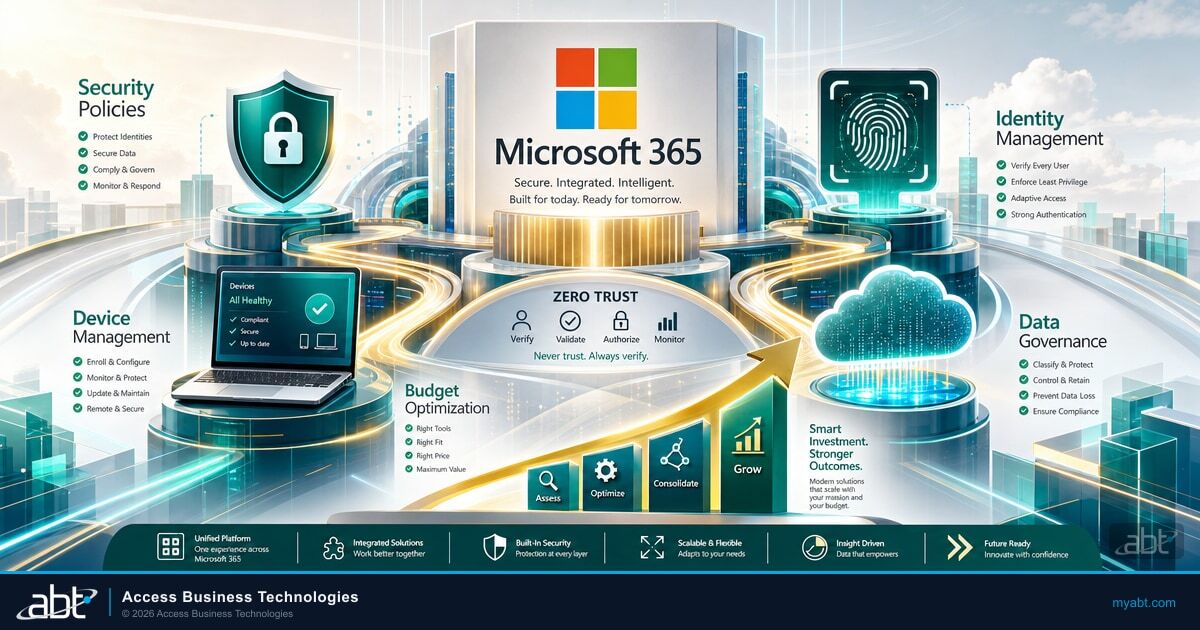
- Identity management. Who is logging in, and how do you know it is really them?
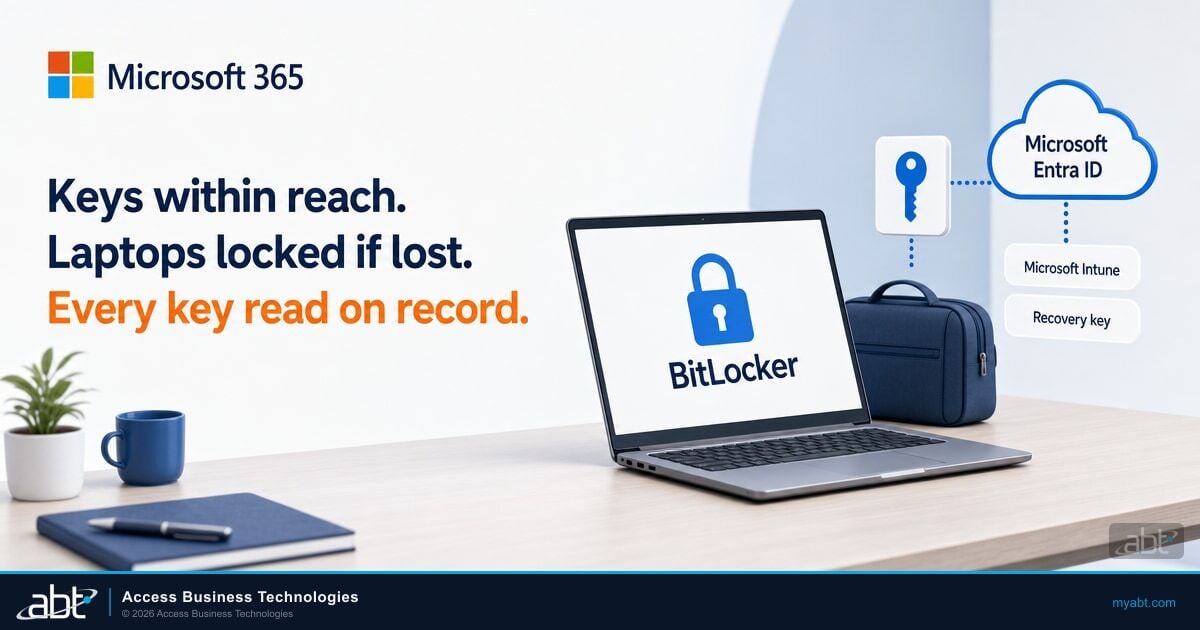
- Device management. Are the laptops accessing your data encrypted, patched, and recoverable if lost?
- Security policies. What happens when an employee tries to email a sensitive customer file to a personal Gmail account?
- Data governance. Where does your regulated data live, and how long do you keep it under retention?
If you treat Microsoft 365 like software rather than a platform, you are not building infrastructure. You are renting an app. The goal is to shift from being a passive user to an active owner of your environment, working with a partner who runs the platform the way a regulated financial institution actually needs it run.
The Foundation: Needs vs. Luxuries
To build according to your budget, you have to be ruthless about categorizing your stack. In Microsoft 365 architecture for a regulated business, there is a distinct line between what keeps you in business and what just looks cool.
The Absolute Necessities (Keep the Lights On)
For banks, credit unions, and mortgage companies, the controls below are not optional. Saving money here is not thrifty. It is reckless.
- Hardened identity. Multi-factor authentication that is actually enforced, not just suggested, across every user in Microsoft Entra ID.
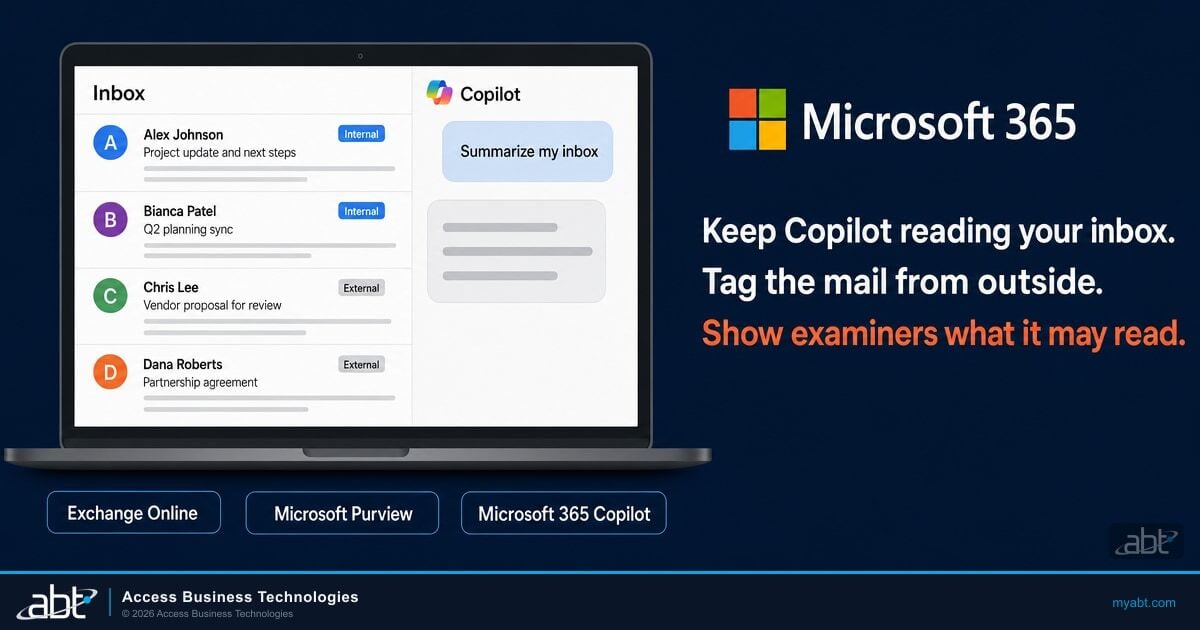
- Email security. Basic spam filters are not enough. You need configurations that stop phishing and impersonation, including Microsoft Defender for Office 365 Safe Links and Safe Attachments.
- Backups. Microsoft keeps the service running. Microsoft does not back up your data if you accidentally delete it or a threat actor encrypts it. Third-party backup is a baseline utility you must pay for.
The Strategic Investments (Efficiency Tier)
This is where professional-grade infrastructure separates itself from the amateurs. These cost money, but they save more time than they cost.
- Device management with Microsoft Intune. Can you wipe a laptop remotely if an employee leaves it in a cab? If not, you have a gap that an examiner will eventually find.
- Single sign-on through Entra ID. Reducing password fatigue means fewer helpdesk tickets and better security at the same time.
- Automated onboarding. Using automated workflows to set up new users saves IT hours and prevents the human error that creates orphaned admin accounts.
The Luxuries (Nice to Haves)
These are great, but only once your foundation is solid.
- Custom Power Apps development. Building bespoke apps is fantastic, but not while your email channel is still wide open.
- Microsoft 365 Copilot. Everyone wants AI, but if your data governance is messy, Copilot will just help your team find documents they were never supposed to see in the first place. For the budget side of that conversation, see our Microsoft 365 Copilot Business pricing breakdown for community banks, credit unions, and mortgage companies.
The Budget Breakdown: Where to Spend and Where to Save
So how do you actually build this out without blowing the budget? Align your spend with the M365 Guardian philosophy: harden, monitor, and respond.
1. Spend on the License (But the Right One)
Many small and mid-size institutions buy disjointed third-party tools. One for antivirus, one for chat, one for video, one for file storage. This is the Frankenstein approach, and it is expensive.
Consolidate. For most community banks, credit unions, and mortgage companies, Microsoft 365 Business Premium is the sweet spot. It includes the productivity apps your team already uses, but more importantly, it includes the enterprise-grade security stack (Microsoft Defender for Endpoint and for Office 365, Microsoft Intune, Microsoft Entra ID P1) that you would otherwise have to bolt on with third-party tools. Moving to Business Premium often eliminates the cost of Zoom, Slack, a separate antivirus, and third-party device management. You pay one price for a unified stack. For institutions already on Microsoft 365 E5 wondering what value they are leaving on the table, see Microsoft 365 E5 security features banks pay for but do not use.
2. Save on Remediation by Investing in Configuration
The most expensive part of IT is fixing things that broke because they were not set up correctly. A breach or a failed regulatory exam costs significantly more than any monthly security subscription.
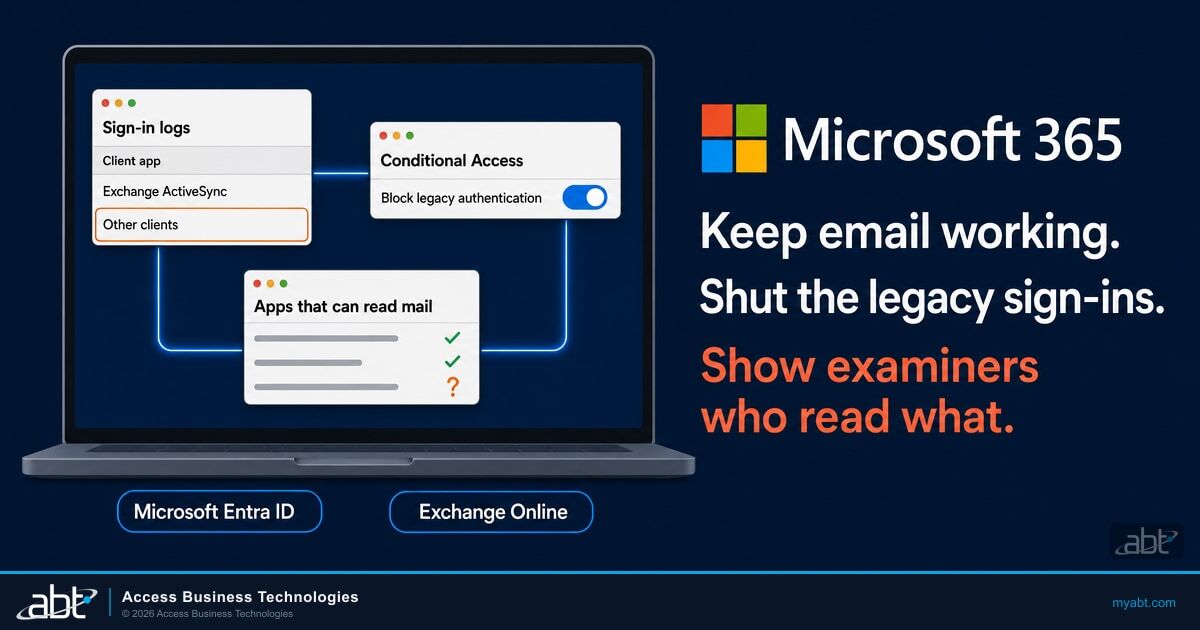
Front-load your effort. Spend your budget on Zero Trust baselines. Disable legacy authentication. Set up Conditional Access policies in Entra ID. This is the hardening phase. If you configure the tenant correctly from day one (or remediate it now), your ongoing maintenance costs drop because you are not constantly fighting fires.
3. Spend on Visibility (Monitoring)
You cannot manage what you cannot see. If you do not know that an admin account in your tenant has not changed its password in three years, you are vulnerable. Hiring a human security analyst to stare at logs around the clock is a six-figure expense. Using a platform that provides automated security insights and risk analysis at a fraction of that cost is the smart move for an institution under $10B in assets. You are paying for the intelligence, not the seat time.
How to Tackle the Task Without Going Crazy
Building professional-grade infrastructure sounds overwhelming. It feels like trying to rebuild an airplane while flying it. Here is the secret: you do not do it all at once.
Step 1: The Assessment
Before you spend a dime, look at your Microsoft Secure Score. Microsoft gives you a score based on your current security posture. If you are below 50%, your door is wide open. Identifying your gaps is the first step in any serious Microsoft 365 infrastructure strategy.
Step 2: The Cleanup (Hardening)
Fix the low-hanging fruit. Turn on MFA. Encrypt devices through Intune. Tighten the email policies in Defender for Office 365. This is the baseline that aligns to FFIEC, GLBA, and NCUA examination expectations.
Step 3: The Maintenance (Monitoring)
Once built, the infrastructure needs to be watched. In the past that meant expensive managed service contracts. Today you can use a managed monitoring layer that surfaces only the alerts that matter, instead of a wall of red dashboards that nobody reads.
The Role of M365 Guardian in Your Infrastructure
This is where Access Business Technologies (ABT) changes the equation. Microsoft 365 is the platform. M365 Guardian is the operating model ABT runs on top of it for regulated financial institutions, delivered through ABT's Tier-1 Cloud Solution Provider relationship with Microsoft.
Microsoft hosts the Microsoft 365 infrastructure. ABT manages your Microsoft 365 tenant under delegated administration. The Guardian layer is what makes that management bank-grade rather than generic. It includes standard hardening baselines applied at deployment, Conditional Access policies tuned to your branch geography and role profile, Microsoft Purview retention policies aligned to the records you are required to keep, a Microsoft Sentinel deployment tuned to financial-services attack patterns rather than vendor defaults, and the 24/7 security operations center that watches the Sentinel and Defender signals every minute of the day. The institution keeps its Microsoft 365 licensing and retains tenant ownership. The Guardian layer is added through the partner relationship.
For why the Tier-1 designation matters when you choose that partner, see why a Tier-1 Microsoft Cloud Solution Provider matters. The same Direct-Bill relationship that distinguishes a Tier-1 CSP in healthcare is what gives ABT the operational accountability to run the Guardian layer for a community bank or credit union at the same standard.
The "overwhelmingly large task" becomes a managed lifecycle: harden, monitor, get insights, respond. You get enterprise-level security and compliance without the enterprise-level headcount.
Get a Microsoft 365 Posture Review
ABT runs the Microsoft 365 management pattern described in this article for more than 750 banks, credit unions, mortgage companies, and securities firms. A 30-minute conversation maps your current Microsoft 365 footprint, surfaces the gaps your next FFIEC or NCUA examiner is most likely to find, and outlines what a Guardian-managed deployment would cover. No commitment, no quote, no obligation.
Smart Planning Beats Bigger Budgets
Your budget is not the enemy of your infrastructure. Bad planning is. You can build a robust, secure, and professional-grade environment on a modest budget if you focus on consolidation, proper configuration, and managed monitoring. Do not let your Microsoft 365 tenant be a Ferrari driven in a school zone. Unlock its potential.
Key Takeaway
Professional-grade Microsoft 365 infrastructure is a function of architecture, licensing, and operating model. Consolidate to Business Premium where it fits, front-load the hardening work, invest in managed monitoring rather than headcount, and let a Tier-1 CSP run the platform under an operating model like M365 Guardian. The institutions that walk into FFIEC, NCUA, or GLBA examinations with the evidence already in hand are the ones that decided the platform is the institution's, but the management discipline is delegated to a partner who does this every day.
Frequently Asked Questions
In most cases, yes. Microsoft 365 Business Premium bundles Microsoft Defender for Office 365 (anti-phishing and Safe Links), Microsoft Defender for Endpoint (device protection), Microsoft Intune (mobile and laptop management), and Microsoft Entra ID P1 (Conditional Access and MFA) at a price point that meets the technical controls FFIEC and GLBA examiners ask about. The key is that those features must be configured correctly, which is where ABT's M365 Guardian operating model fits in. The license gives you the equipment. The Guardian layer is the trainer.
Technically yes, but it requires sustained expertise in Microsoft Entra ID, Intune, Defender, and Purview, plus the time to keep up with monthly Microsoft product changes and the bandwidth to respond to alerts at 2 a.m. Most small and mid-size financial institutions find that the staff time required to learn and maintain these systems exceeds what a Tier-1 CSP partner like ABT charges to run them. The partner has already built the playbooks. You are renting the playbook plus the on-call team, not paying someone to figure it out for the first time on your tenant.
Misconfiguration. The cost of a breach or a failed examination caused by a setting left on default dwarfs the cost of licensing. A single ransomware incident or examiner finding can wipe out years of savings on a cheaper plan. The most expensive infrastructure is the one that fails the day you need it most. This is why front-loading configuration work and putting a managed monitoring layer on top is the better economic decision than buying a higher SKU and hoping the defaults will hold up.
Start with hardening. Turn on MFA across every Entra ID account, encrypt every device through Intune, and tighten the email security policies in Defender for Office 365. Those are low-cost configuration changes that eliminate the biggest risk vectors. Once a solid security baseline is in place, layer in managed monitoring, automated insights, and advanced features like Microsoft Sentinel for SIEM and Microsoft Purview for retention and data loss prevention. Build in the order an examiner would audit you.
No. Microsoft ensures the Microsoft 365 service is running, but Microsoft does not back up your tenant data if a user accidentally deletes it, a malicious insider purges it, or a threat actor encrypts it. Third-party backup is a separate cost that every regulated financial institution should budget for as a baseline necessity. ABT includes a backup posture review as part of the Guardian onboarding so the institution knows exactly which data is covered, which is not, and what the recovery point and recovery time look like for the records examiners will ask about.