Lock It Down: Risk-Based Device Compliance with Microsoft Intune
A loan officer's personal laptop gets stolen at an airport. A credit union teller plugs a personal USB drive into a branch workstation. A bank...
6 min read
Justin Kirsch : Updated on February 27, 2026
The castle-and-moat model of cybersecurity worked when your data lived on a server in the closet, your employees sat at desks in the building, and the firewall was the only gate. That architecture is gone. Your data now lives in Microsoft's cloud. Your employees work from branch offices, home offices, airport lounges, and coffee shops. Your applications run through a browser.
When the network perimeter dissolves, what remains? Identity.
Your credentials (username, password, authentication tokens) are the keys to every file, every email, every transaction in your organization. If an attacker possesses your identity, they possess your access. They don't breach a firewall. They log in.
84% of organizations experienced identity-related breaches in 2025. Credential abuse powered 22% of all breaches. For financial institutions governed by GLBA, FFIEC, and NCUA requirements, Microsoft 365 identity security is no longer an IT project. It's an organizational survival question.
Securing a Microsoft 365 environment requires three layers working together. Remove any one of them and the other two collapse.
Microsoft Entra ID (formerly Azure Active Directory) is the control plane. It verifies that the person requesting access is who they claim to be. But verification alone isn't enough. A properly configured identity layer also evaluates context: Is this user logging in from a known location? Is their behavior consistent with past activity? Has their risk level changed since last authentication?
For a credit union or bank, that context is the difference between a legitimate teller and an attacker using stolen credentials. For a mortgage company, it determines whether the person downloading borrower records is actually your loan officer.
Authentication doesn't equal authorization. Conditional Access policies function as the decision engine between identity verification and resource access. If a user authenticates successfully but logs in from an unfamiliar device, the policy can require additional proof. If a user requests access to sensitive data from a blocked region, the policy denies it.
We cover five specific Conditional Access rules every financial institution needs in our companion article: 5 Conditional Access Rules You Need.
A verified user with valid permissions connecting from a malware-infected, unpatched personal laptop is still a breach in progress. Microsoft Intune and Defender for Endpoint verify that the device is healthy, encrypted, and compliant before it touches corporate data. For a detailed look at building risk-based device policies, see our guide on risk-based security with Microsoft Intune.
These three layers form one security posture. Organizations that invest in identity verification but ignore device compliance are building a door with no frame. Organizations that manage devices but skip Conditional Access have locks with no policy for who gets a key.
The data tells a clear story about where attackers are focusing:
Attackers have stopped trying to break through firewalls. They target the path of least resistance: a phishing email that captures credentials, a password reuse habit that hands over an account, an MFA fatigue attack that wears down a user until they approve a fraudulent prompt.
For financial institutions, the consequences are amplified. A compromised identity doesn't just access email. It accesses loan origination documents, wire transfer approvals, member account records, and board communications. Every one of those resources sits behind the same Microsoft 365 identity.
This isn't theoretical for regulated industries. Compliance frameworks are explicit:
Cyber insurance providers are following the same path. Carriers now ask specific questions about MFA enforcement, device management, and Conditional Access configuration. If you can't demonstrate these controls, expect higher premiums or denied claims when you need coverage most.
Zero Trust isn't a product. It's an operational philosophy built on three pillars:
For financial institutions running Microsoft 365, implementing Zero Trust means configuring the tools already included in your license:
Many financial institutions view Microsoft 365 as Word, Excel, and Outlook hosted in the cloud. That underestimation is dangerous.
Microsoft 365 is a platform where identity is the foundation. When you centralize identity through Entra ID, a user authenticates once (Single Sign-On) and gains governed access to Teams, OneDrive, SharePoint, and thousands of third-party SaaS applications. That single identity creates a single audit trail, which is exactly what FFIEC examiners and NCUA auditors expect.
Microsoft 365 Copilot amplifies whatever security posture you have. If your identity and access governance is strong, Copilot respects those boundaries. If your permissions are sloppy, Copilot will surface sensitive borrower data for anyone who asks the right question. Copilot doesn't break your security. It reveals it.
Hardening your identity perimeter now prepares your institution for AI-driven workflows without creating new vulnerabilities.
Tightening Microsoft 365 identity security creates friction. Expect it and plan for it.
User resistance. Employees dislike added steps. When you enforce MFA or restrict access to managed devices, complaints will surface. The counter: Windows Hello biometrics and passkeys often make logging in faster than remembering multiple passwords. The secure path becomes the easiest path.
Executive exemptions. Leaders often demand to bypass MFA because it's "inconvenient." An executive account with weakened controls is exactly the target an attacker wants. Find alternatives (like phishing-resistant authentication that requires a fingerprint instead of a code) rather than removing protection.
Token persistence. Disabling an account in Active Directory doesn't kill active sessions. Tokens can persist, allowing access even after an account is "locked." Proper incident response requires revoking tokens, killing active sessions, and investigating lateral movement.
Training gaps. The best Conditional Access policy won't stop a user who hands their MFA code to a convincing phishing site. Security training needs to move beyond "don't click links" to specific behavioral guidance for financial services staff handling sensitive data.
Microsoft provides the tools. They don't configure them for your regulatory environment. The gap between "licensed" and "secured" is where risk lives for financial institutions.
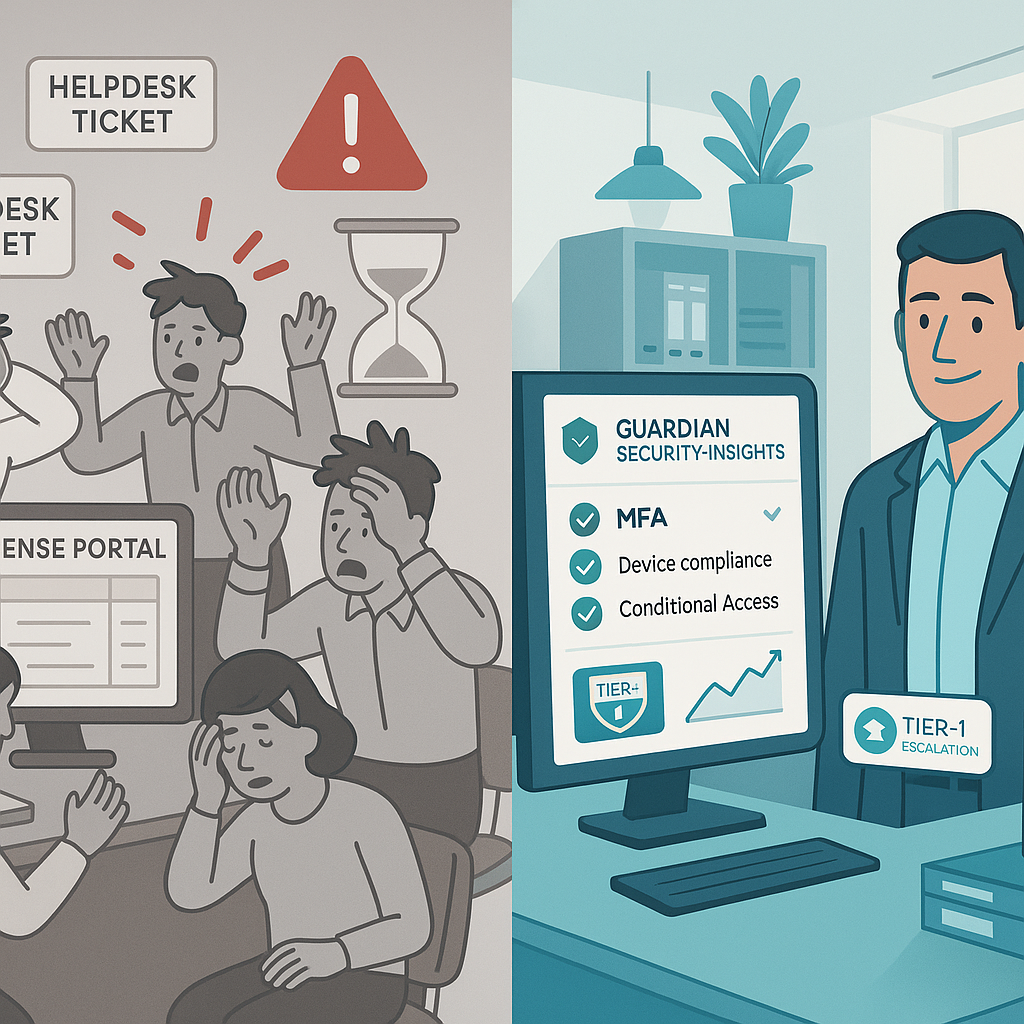
At Access Business Technologies (ABT), we built Guardian for this reality. As a Tier-1 Microsoft Cloud Solution Provider serving 750+ financial institutions, ABT bridges the gap between Microsoft's capabilities and the demands of regulated industries.
Guardian is a lifecycle: Hardening your tenant against Zero Trust baselines. Continuous Monitoring to catch sign-in anomalies and compliance drift. Deep Insights into your Microsoft 365 security posture. Rapid Response to neutralize threats before they become breaches.
You pay the same price for Microsoft licenses as you would buying directly. With ABT, you get Guardian's secure foundation included.
Schedule a Guardian Strategy Session or get your free Security Grade Assessment to see where your identity perimeter stands today.
Business Premium provides the capabilities but not the configuration. It includes Defender, Intune, and Entra ID P1, but these tools must be configured to meet GLBA, FFIEC, and NCUA requirements. Out-of-box defaults favor convenience over security. ABT Guardian closes that configuration gap for financial institutions.
Antivirus protects the device but cannot stop someone from logging into your systems with stolen credentials from a different computer. Identity security protects access to borrower and member data by verifying who requests access, from where, and under what conditions, before granting entry to any resource.
Zero Trust means every login attempt is treated as potentially hostile until verified through multiple signals. For banks and credit unions, this translates to enforcing MFA on every account, restricting access by device compliance and geographic location, and monitoring sign-in behavior continuously. FFIEC examiners increasingly expect this posture.
There is a short adjustment period, but modern identity security reduces friction over time. Single Sign-On eliminates multiple password entries. Windows Hello biometrics and passkeys make authentication faster than typing passwords. Microsoft reports passkey sign-in takes 3 seconds versus 24 seconds for password-based login on average.
Active Directory manages on-premises identities inside your network. Entra ID manages cloud identities for Microsoft 365 and SaaS applications. Most financial institutions need both synchronized together. Entra ID adds Conditional Access, risk-based sign-in detection, and phishing-resistant MFA that on-premises Active Directory alone cannot provide.
A loan officer's personal laptop gets stolen at an airport. A credit union teller plugs a personal USB drive into a branch workstation. A bank...

Your Microsoft 365 tenant has a front door, and right now it's probably answering the same question it asked in 2019: "Do you have the password?"...
Quick Answer: Not all Microsoft 365 licenses are equal in practice. Buying from a bargain reseller often just gets you a product key and a long...